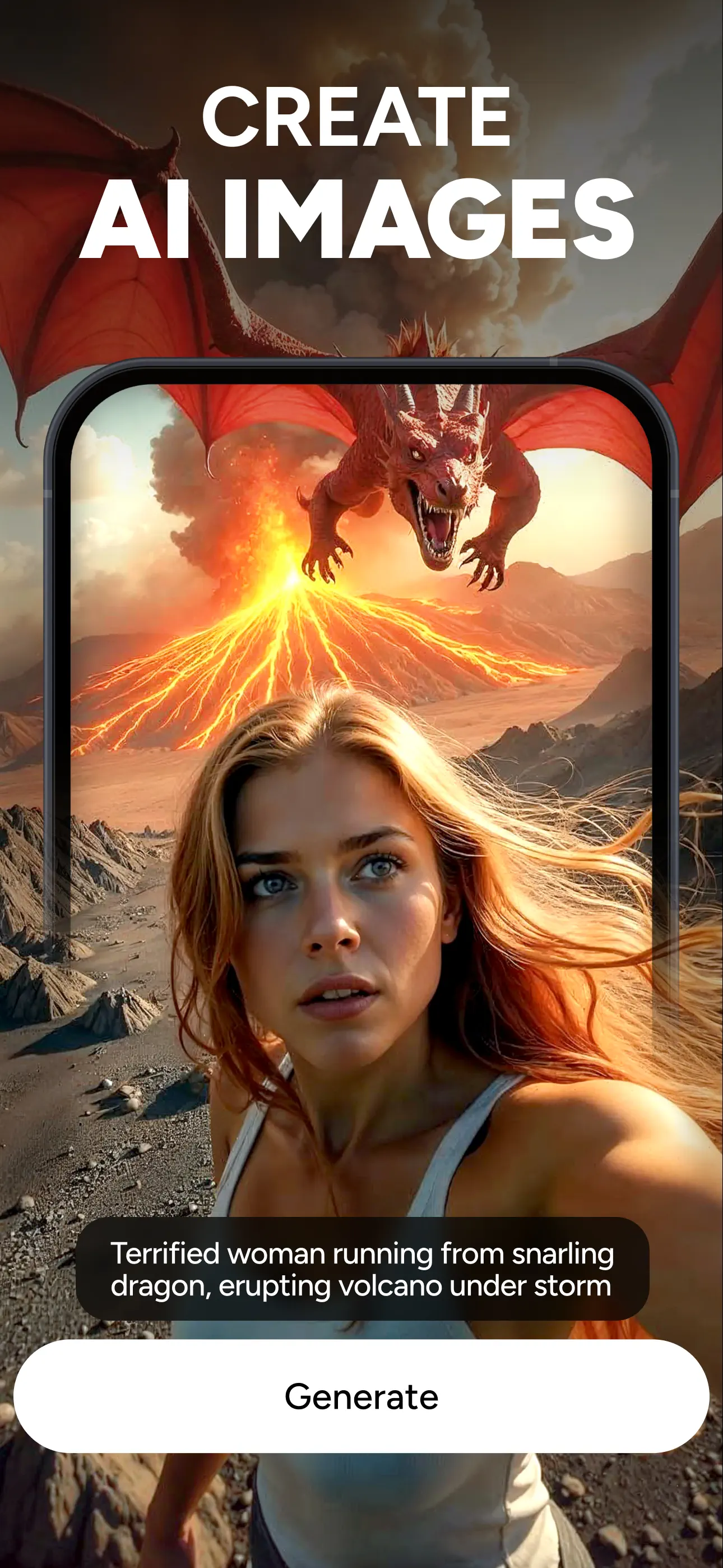
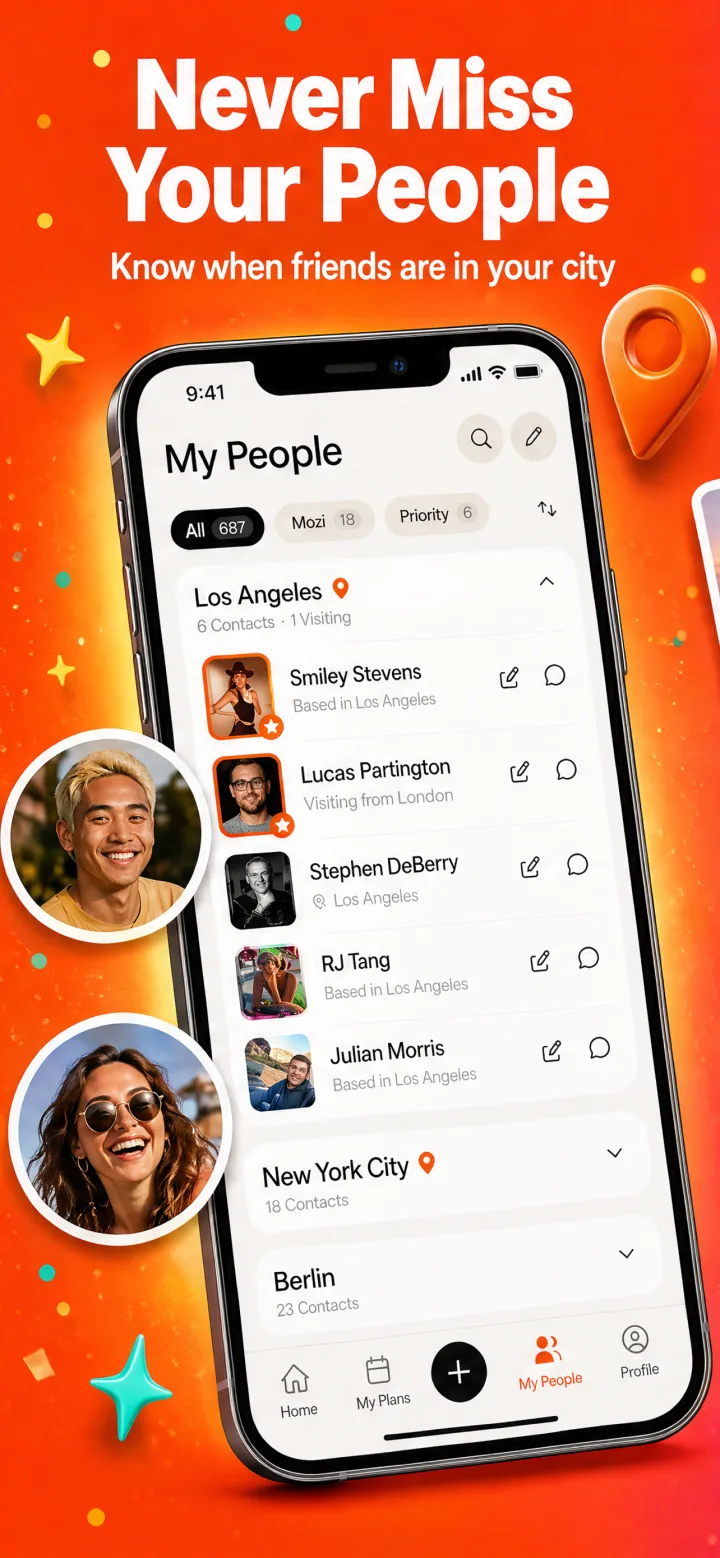
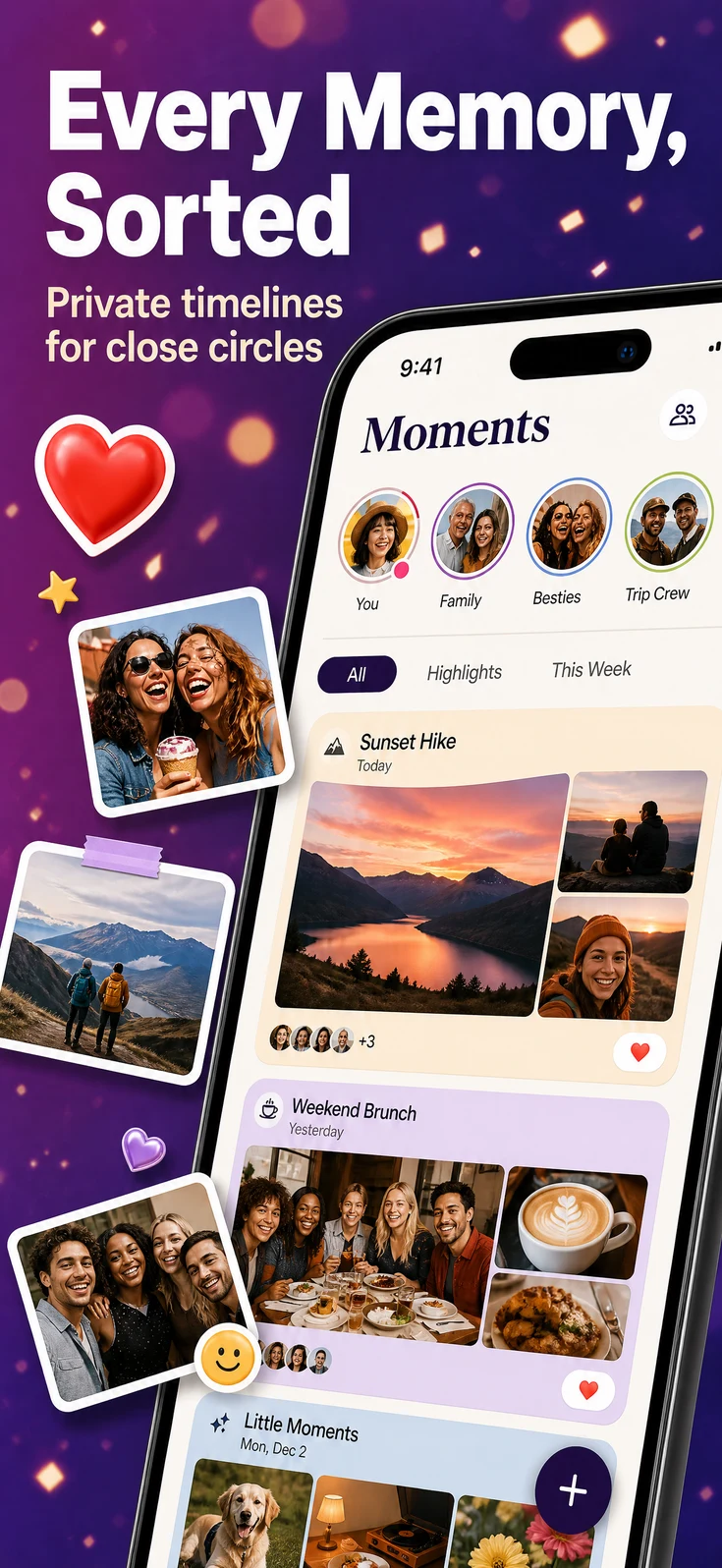
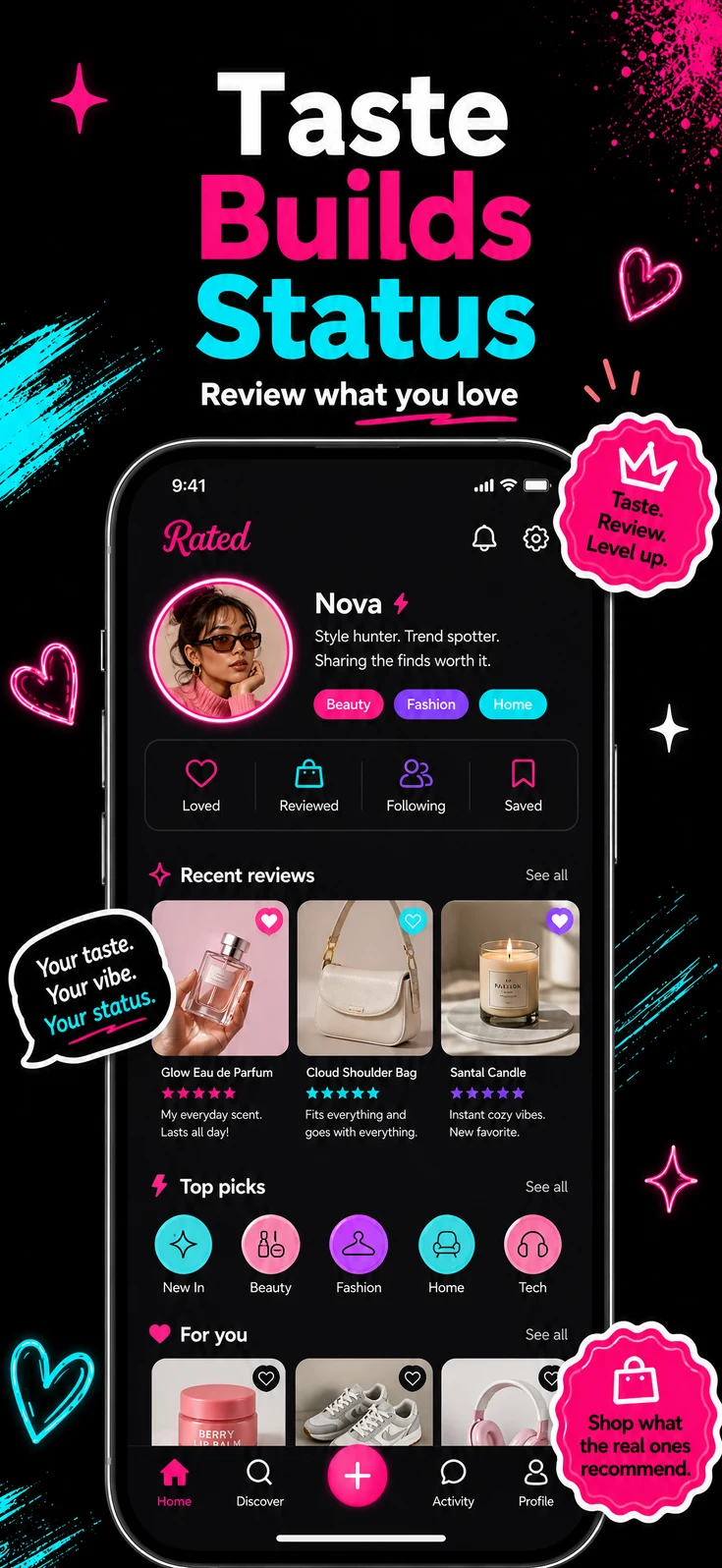
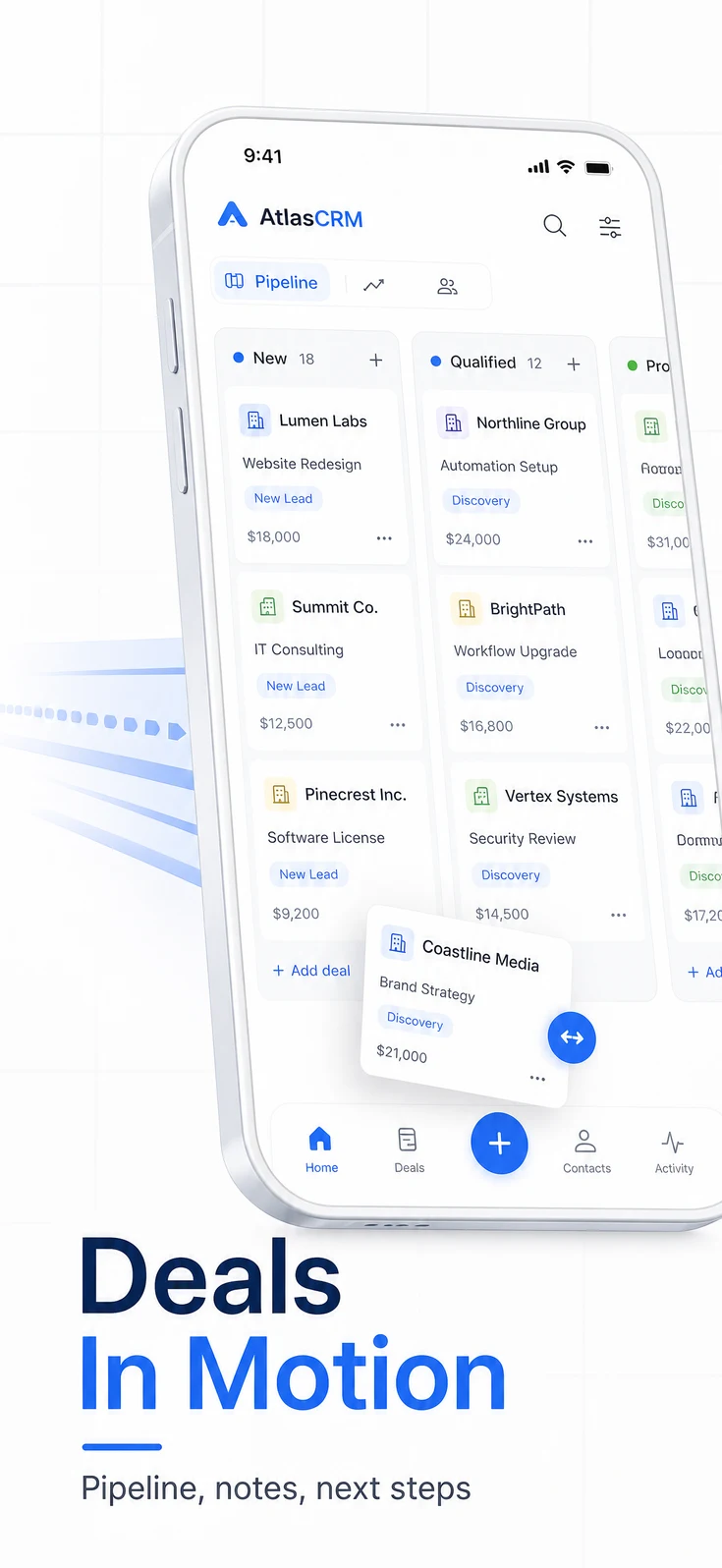
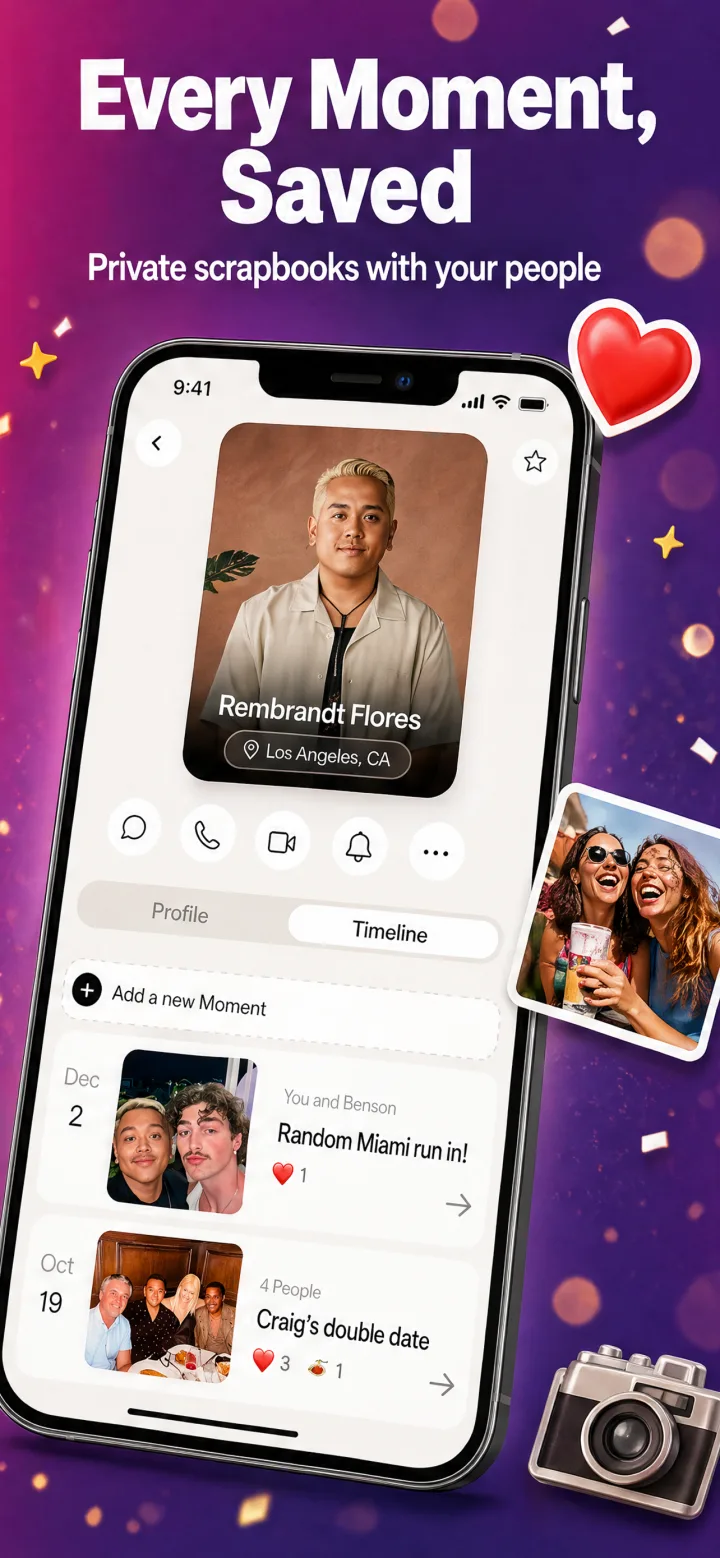
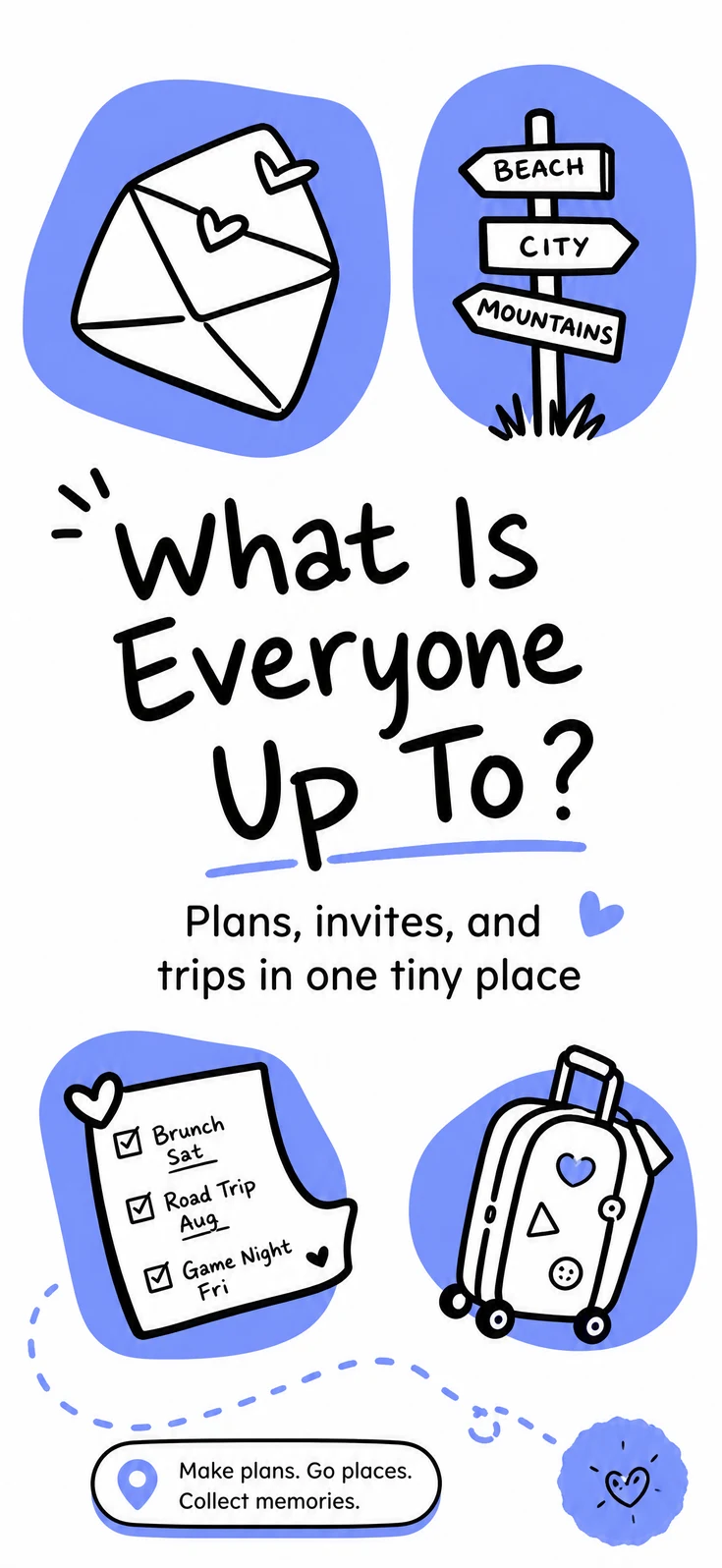
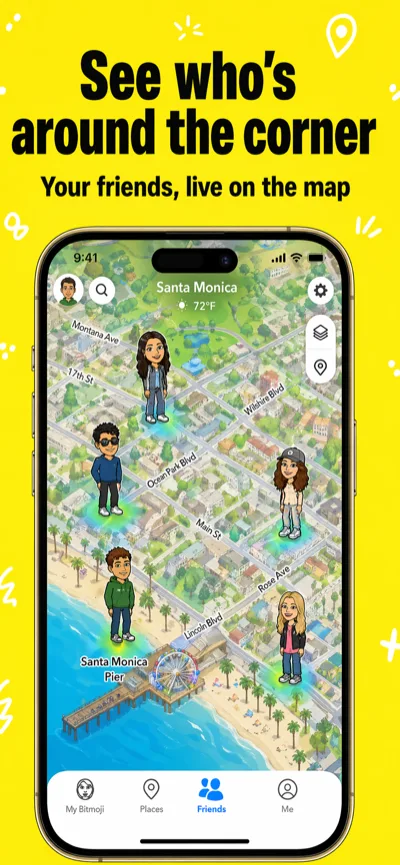
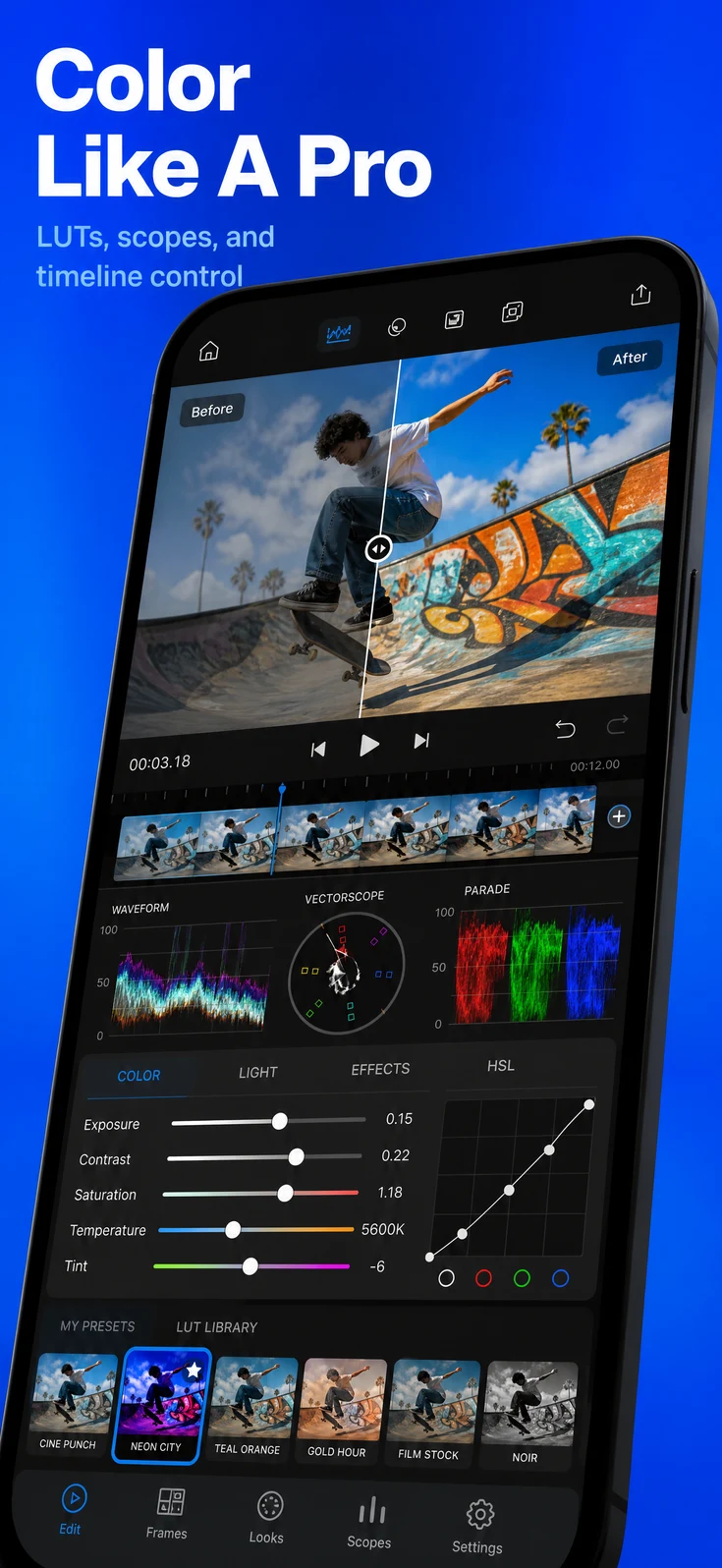
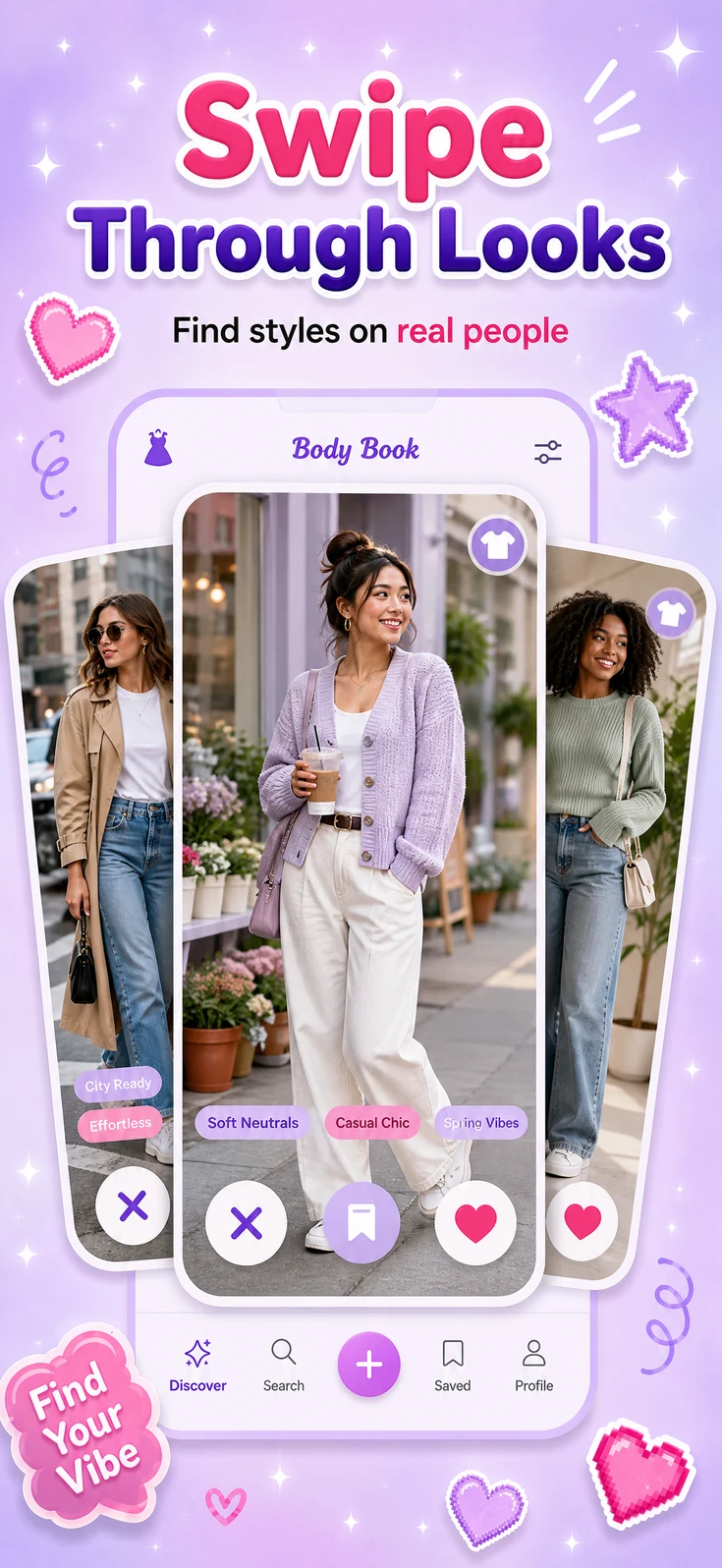
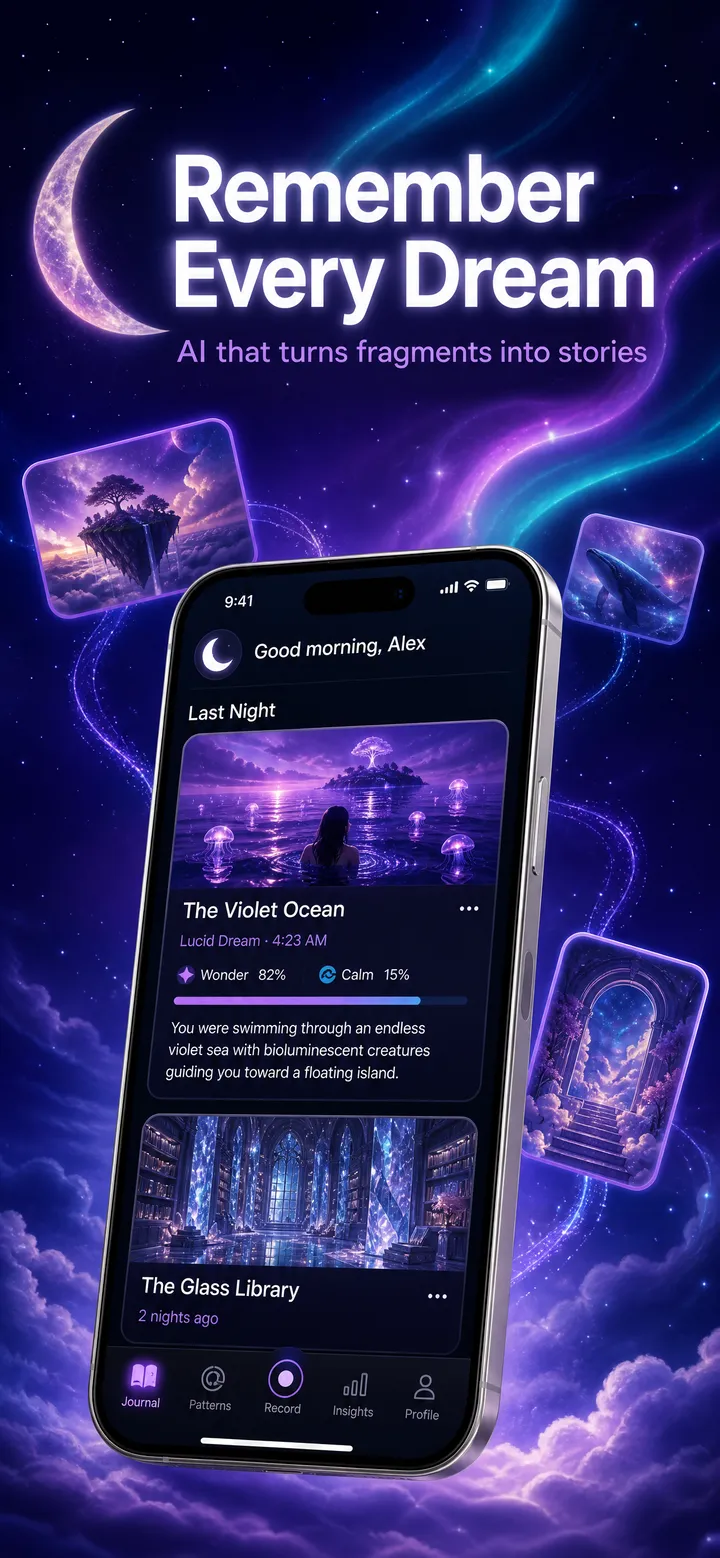
Approved and live
Babel Pods
Convo Translator: Speak & Hear Any Language
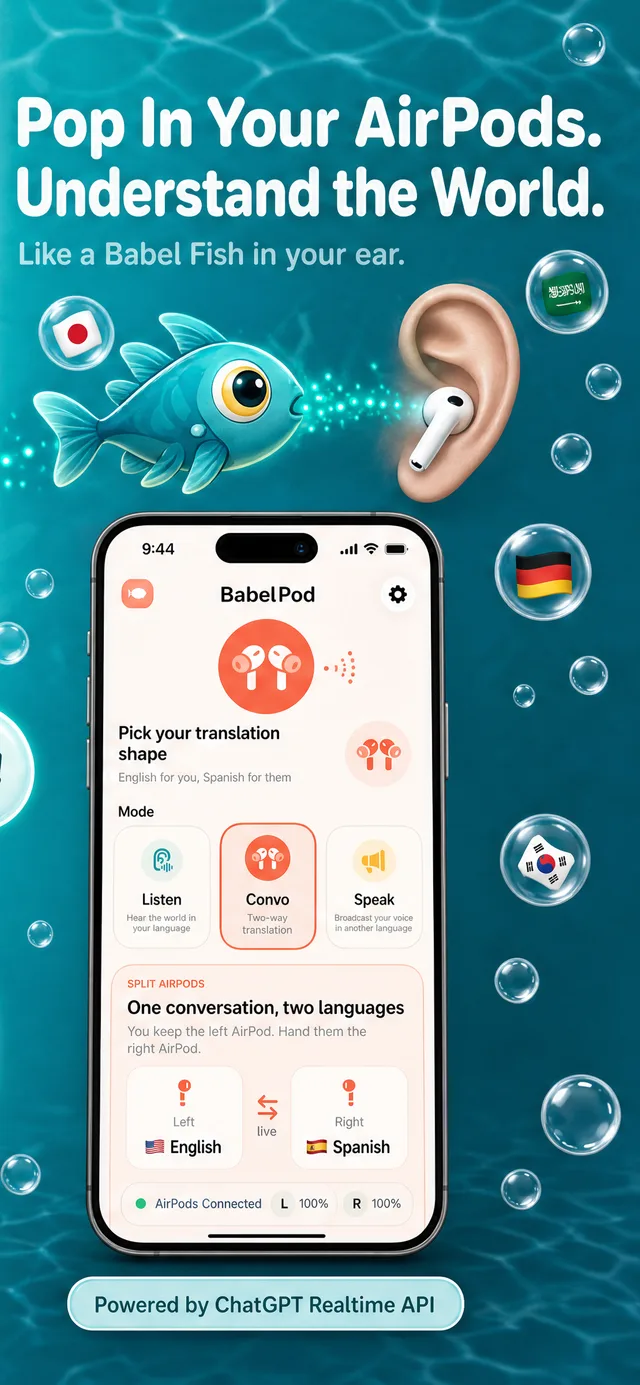
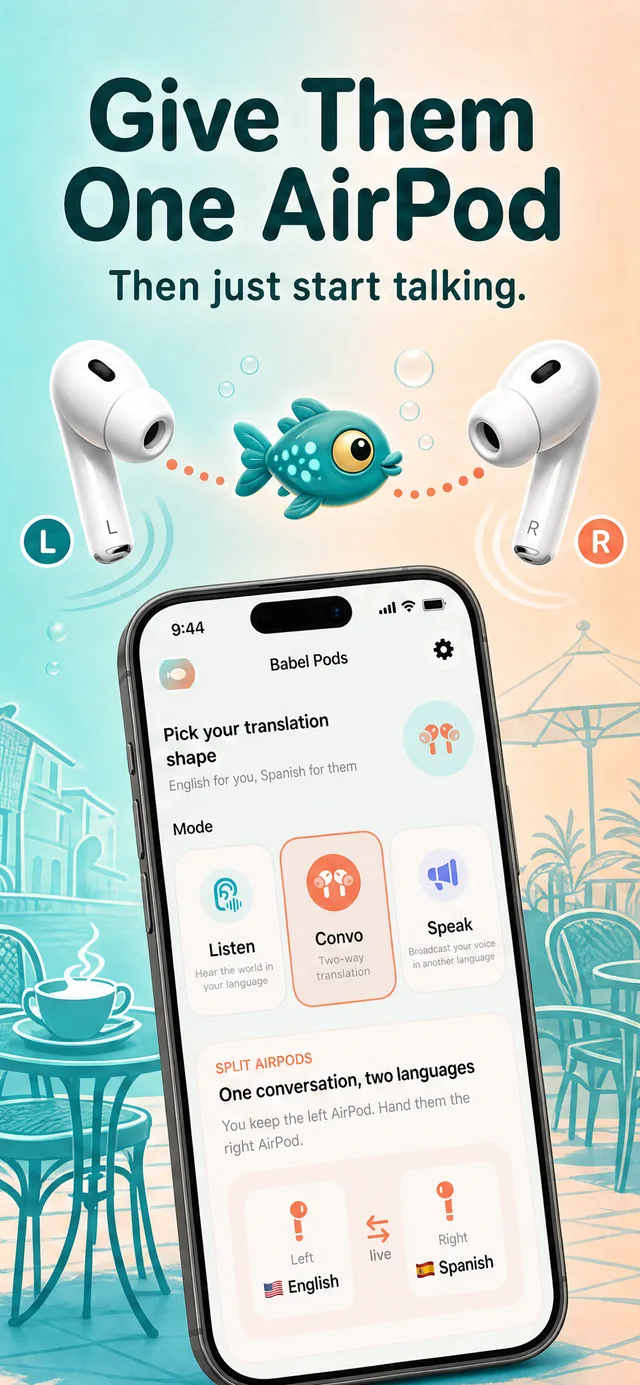
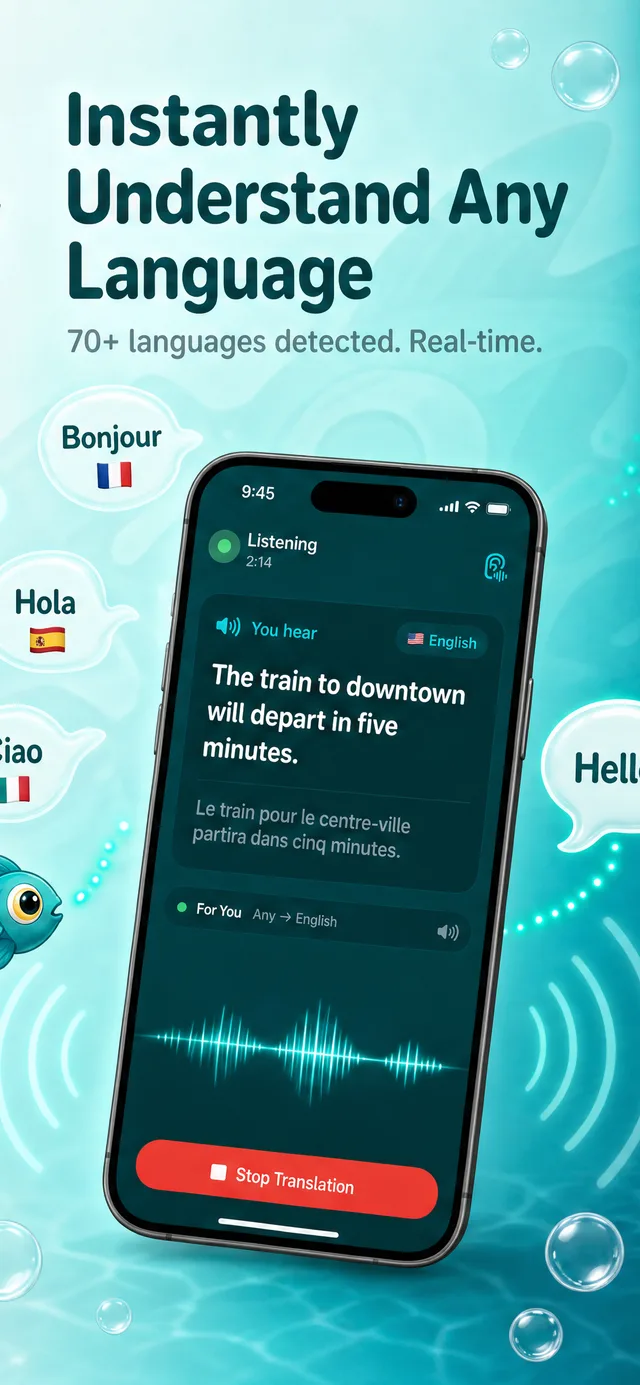
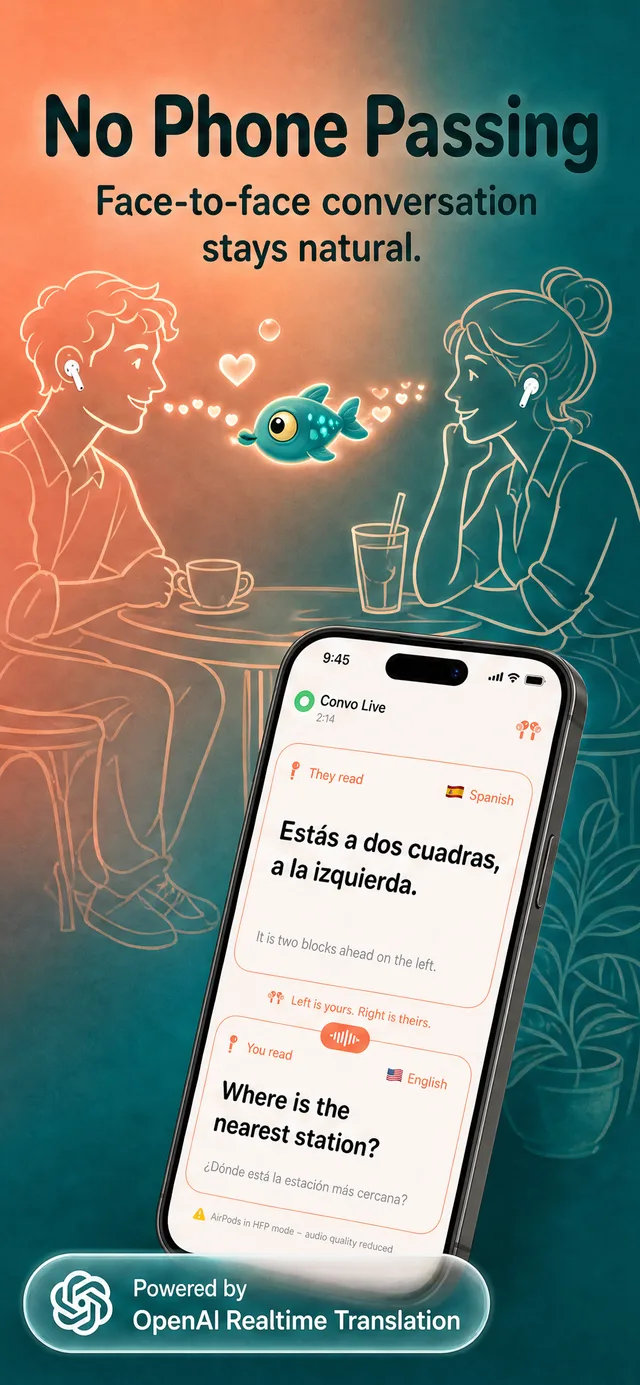
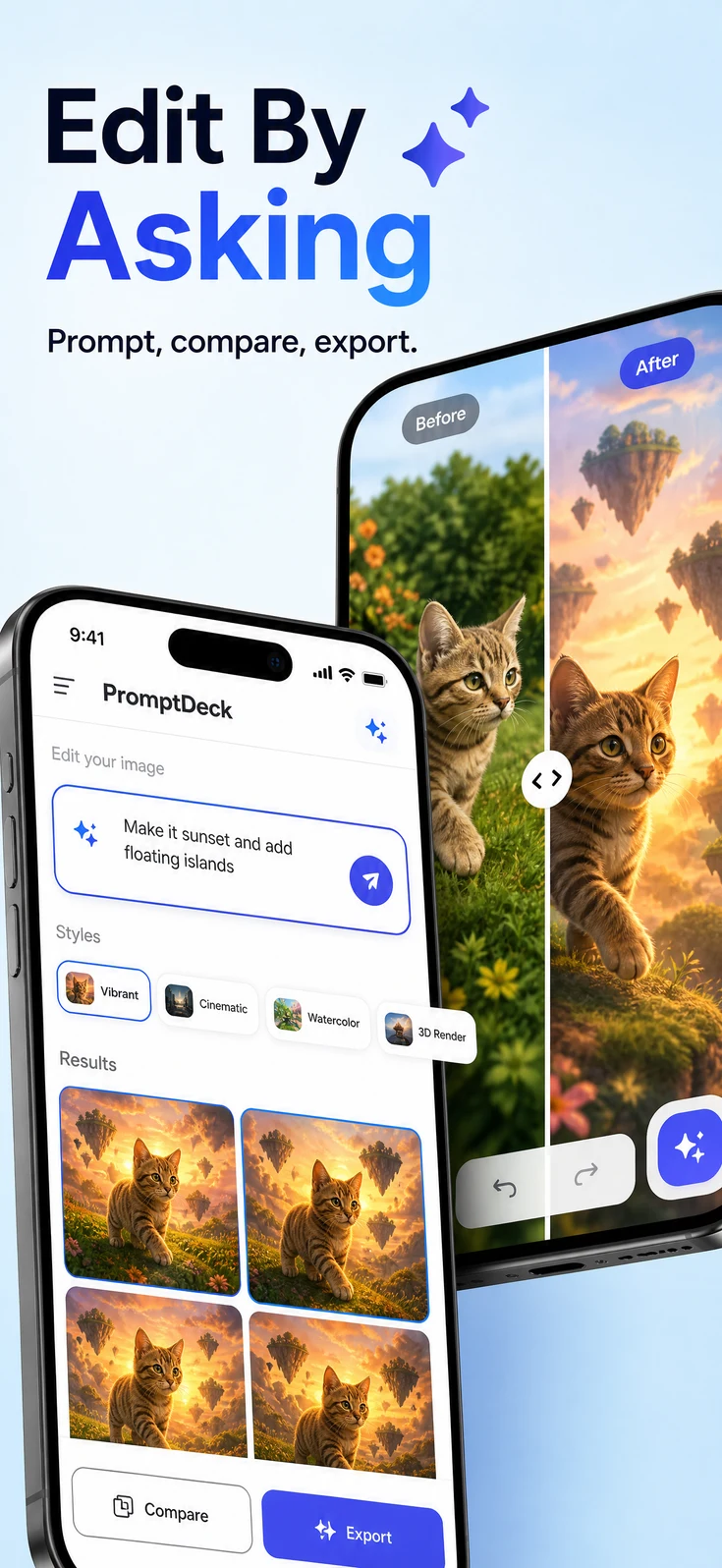
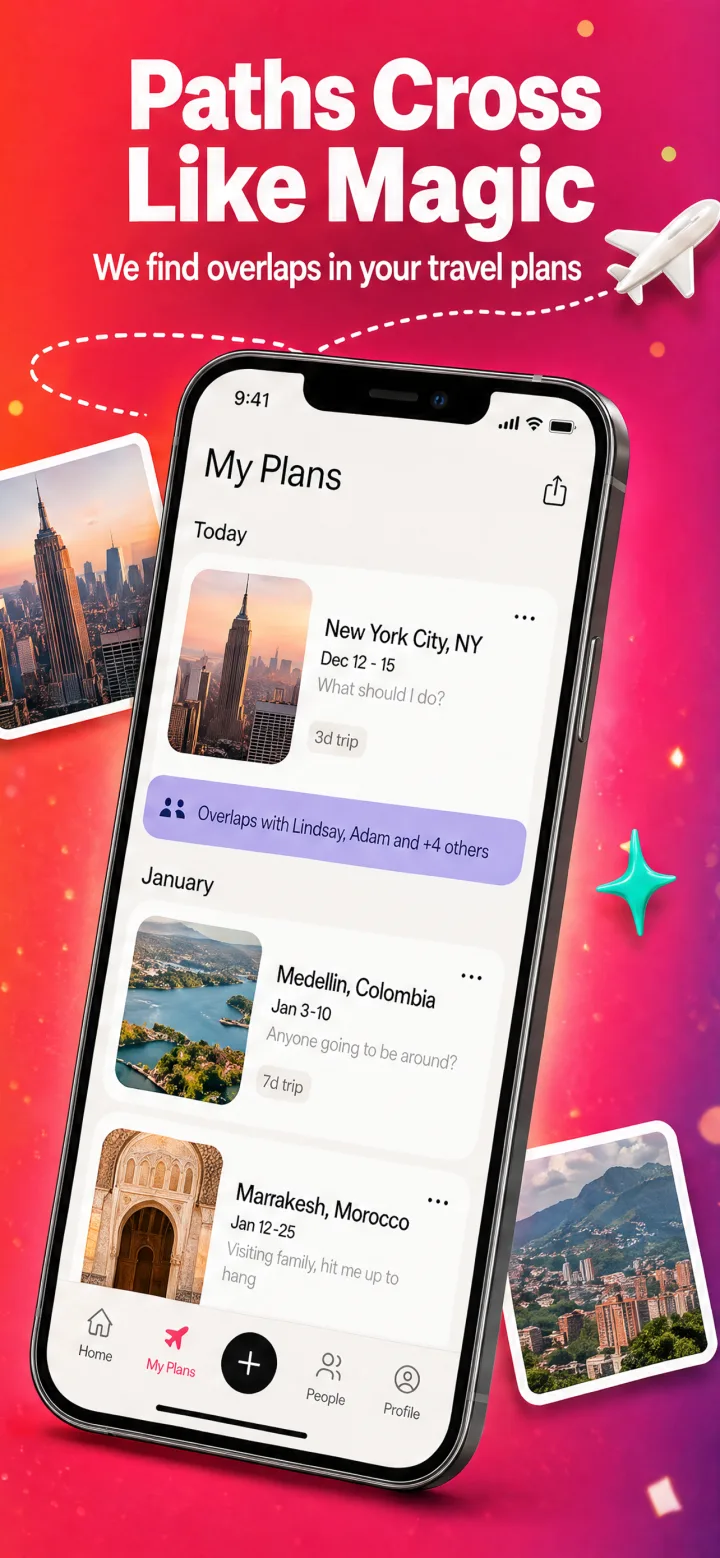
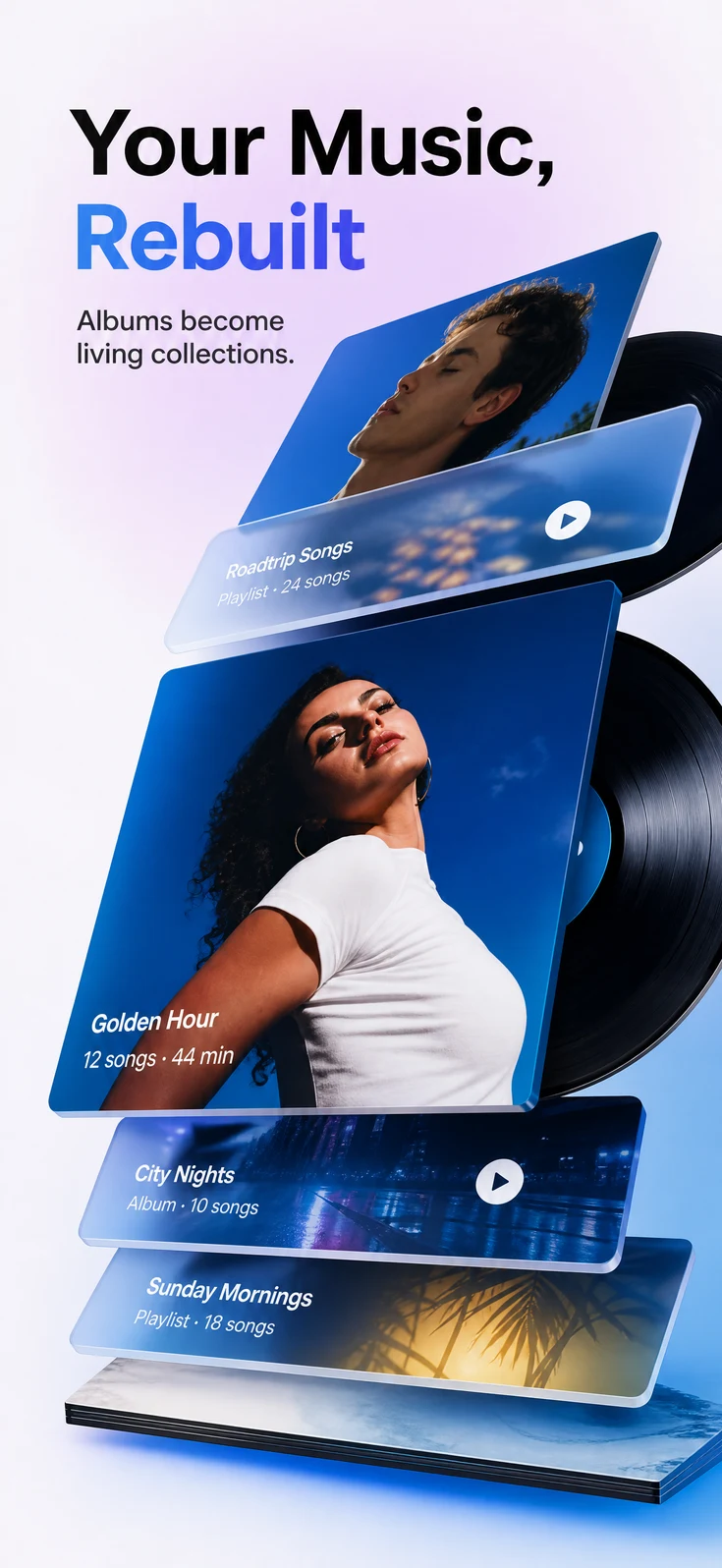
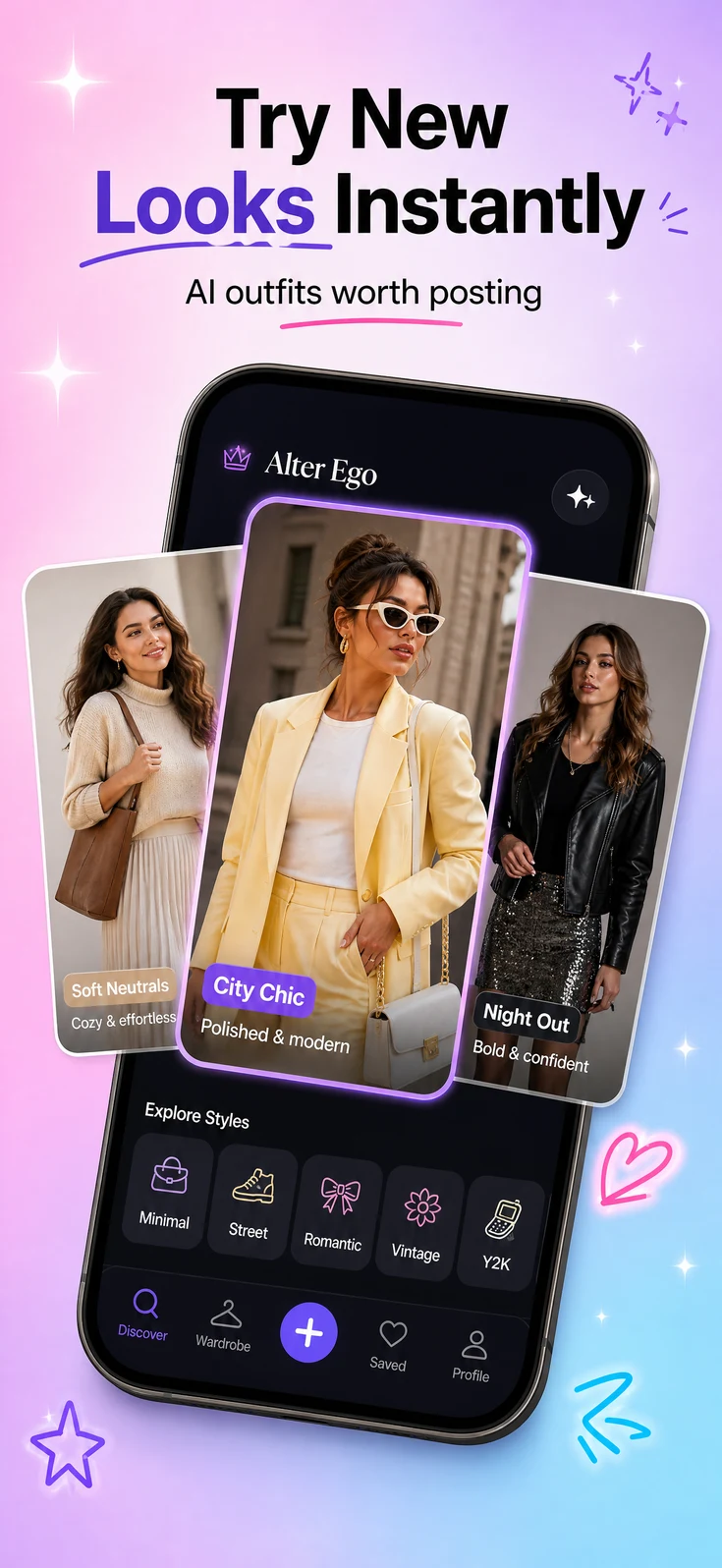
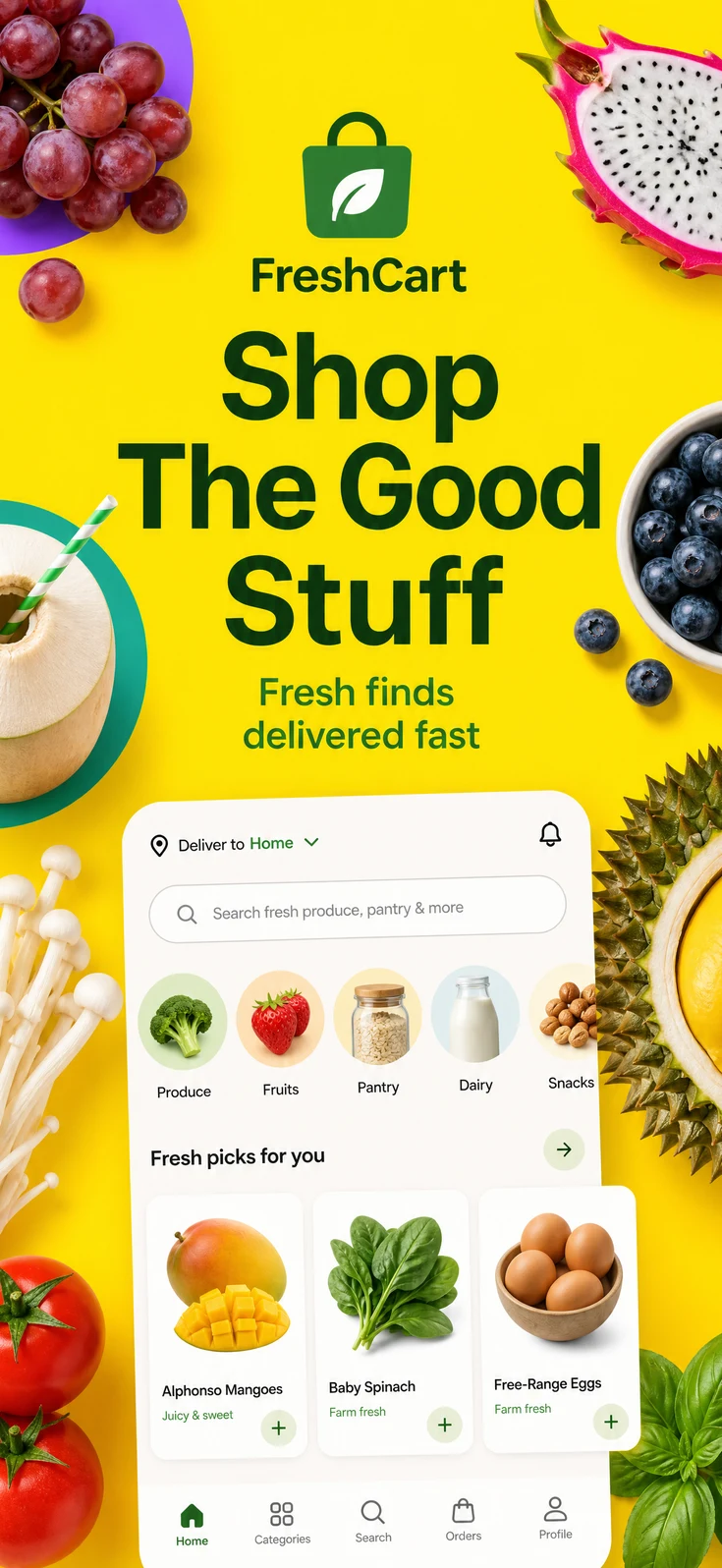
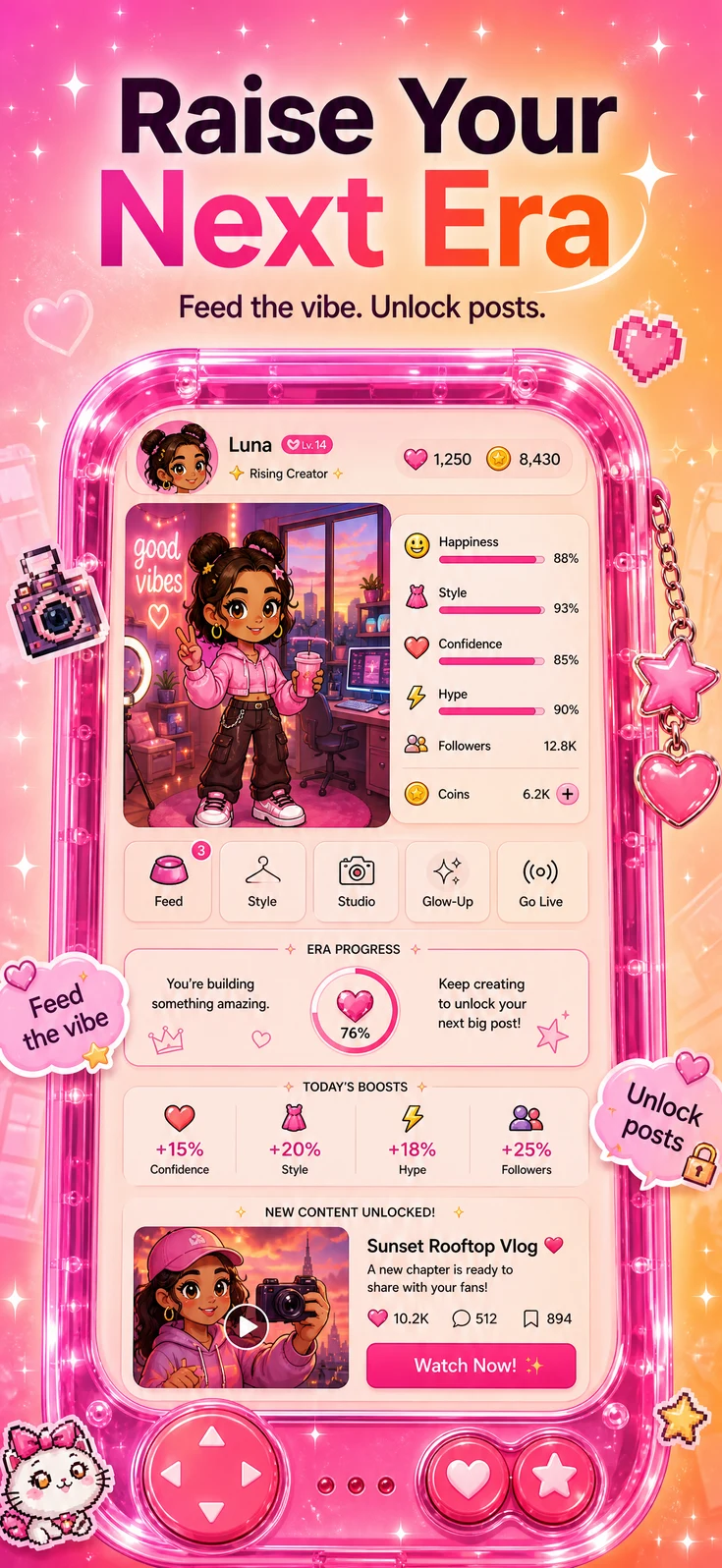
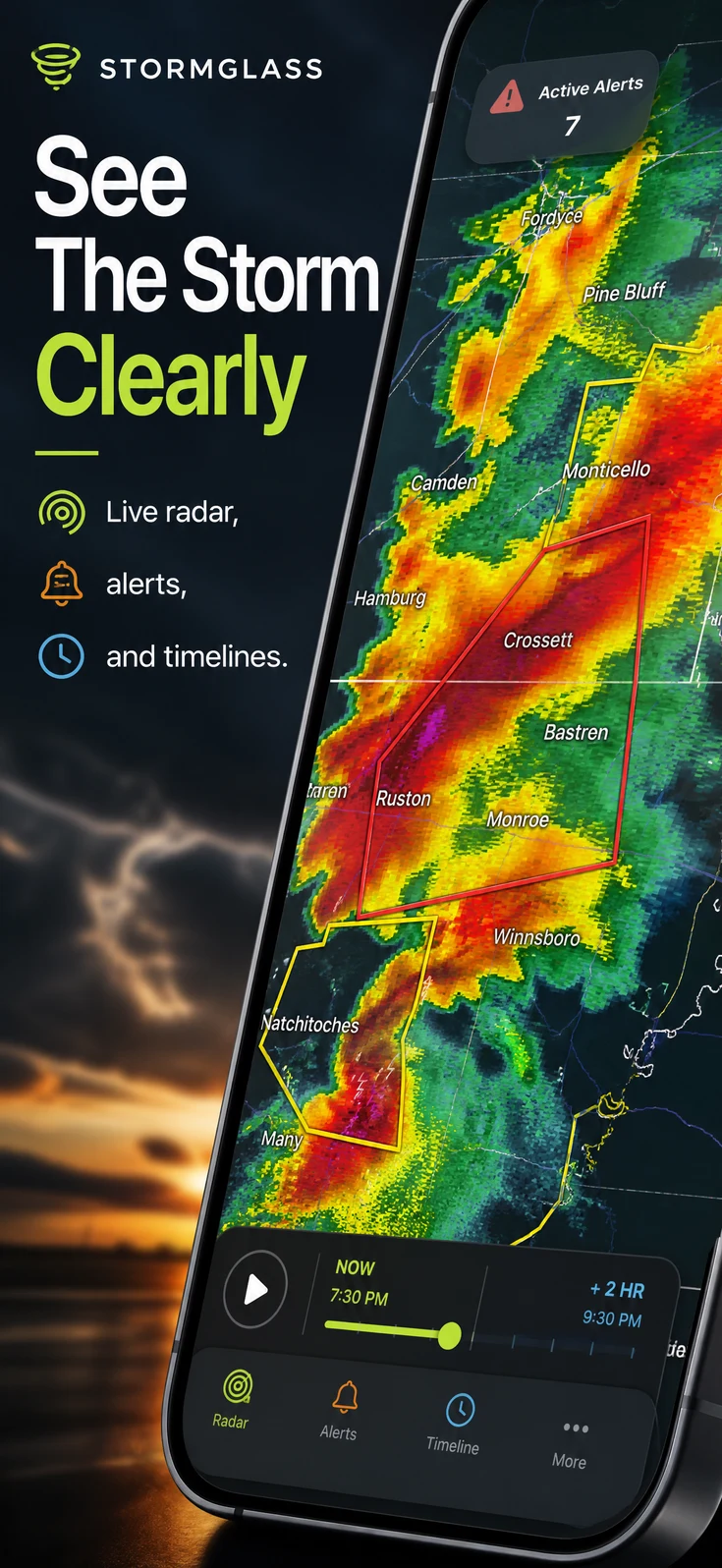
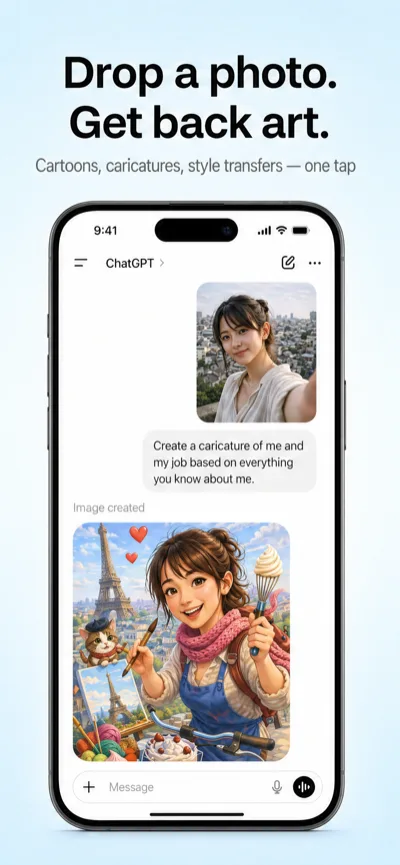
Shots generated screenshots are live in the App Store. See examples
Shots studies your category and your real app before it designs anything. Work from Studio or straight from your coding agent, then take the version you like to all 50 App Store locales.
3 free screenshots. No card required.
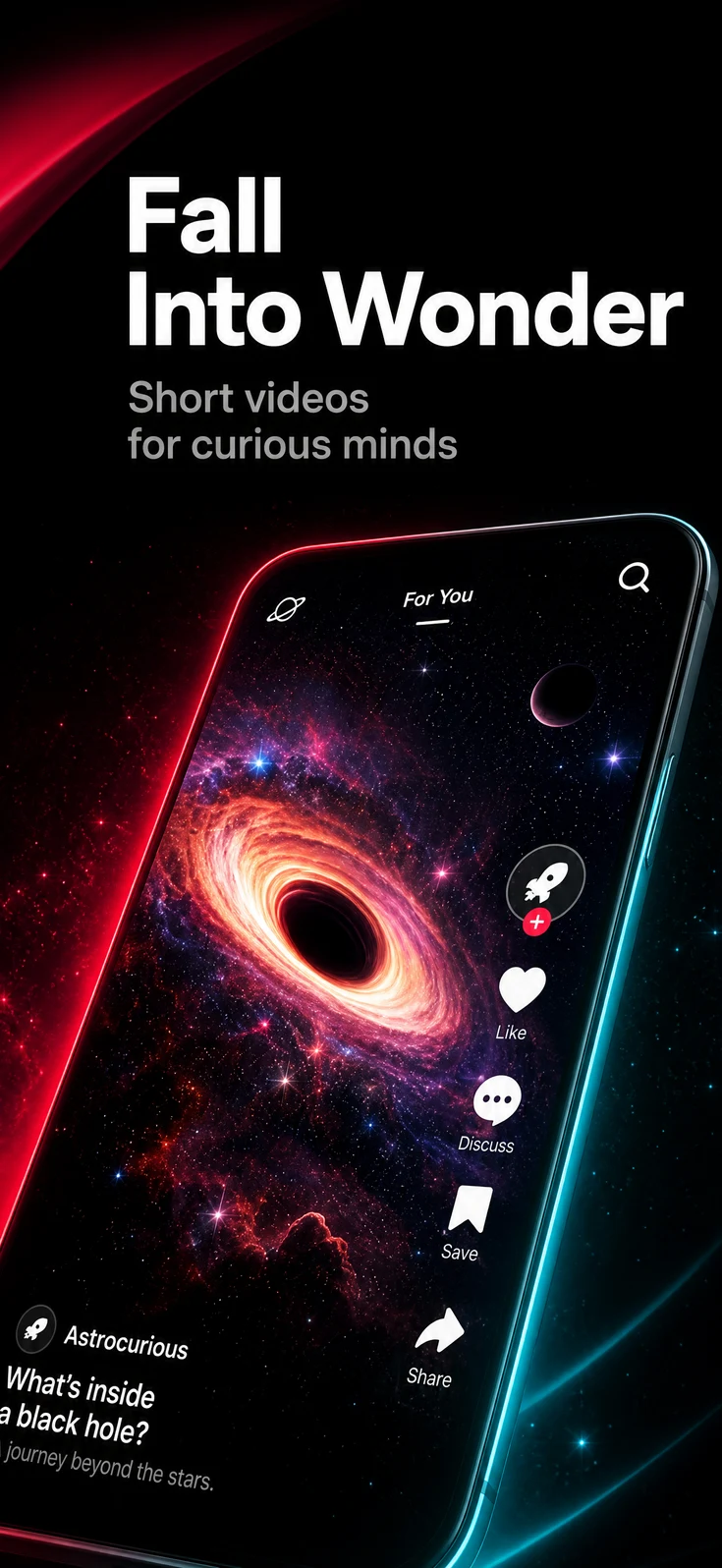

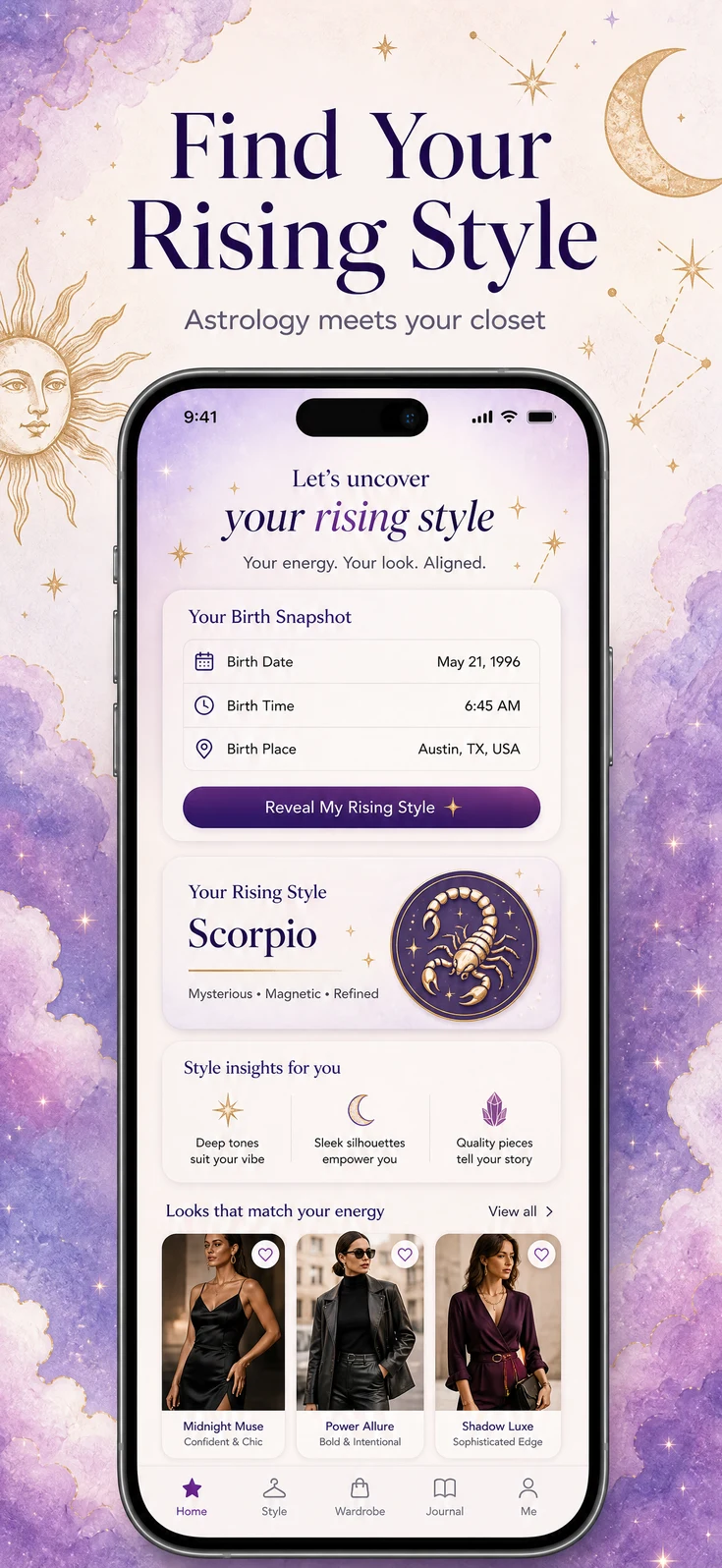
These aren't mockups. Both listings below went through App Review with Shots screenshots and are live on the App Store right now — open them and check.
Use Studio directly, or run the same tools from your repo through Codex, Claude Code, Cursor, or any other MCP client. Either way, you keep working on the same set from first brief to final export.
Shots reads your app context and studies 2,500+ listings before it writes the brief.
Pick the version you like and iterate on it. Revisions edit the same source, so nothing resets between rounds.
Translate the finished set into 50 App Store locales without touching the layout.
Connect the hosted Shots MCP server to your coding agent. It works from the project context you already have open — the repo is the brief.
repo ~/projects/stride git:(main)
you › use Shots to create an App Store screenshot set from this repo
agent › reading project context
✓ app code · UI screenshots · store metadata
shots › researching category and competing listings
✓ brief ready · 3 creative directions drafted
you › generate direction 2
shots › generating the launch set
✓ 6 iPhone screenshots created
→ shots.run/review/stride
agent › Ready for review. Revise or translate from this thread.
Every example here is a real listing we indexed. Find the ones from your category and hand them to Shots as references.
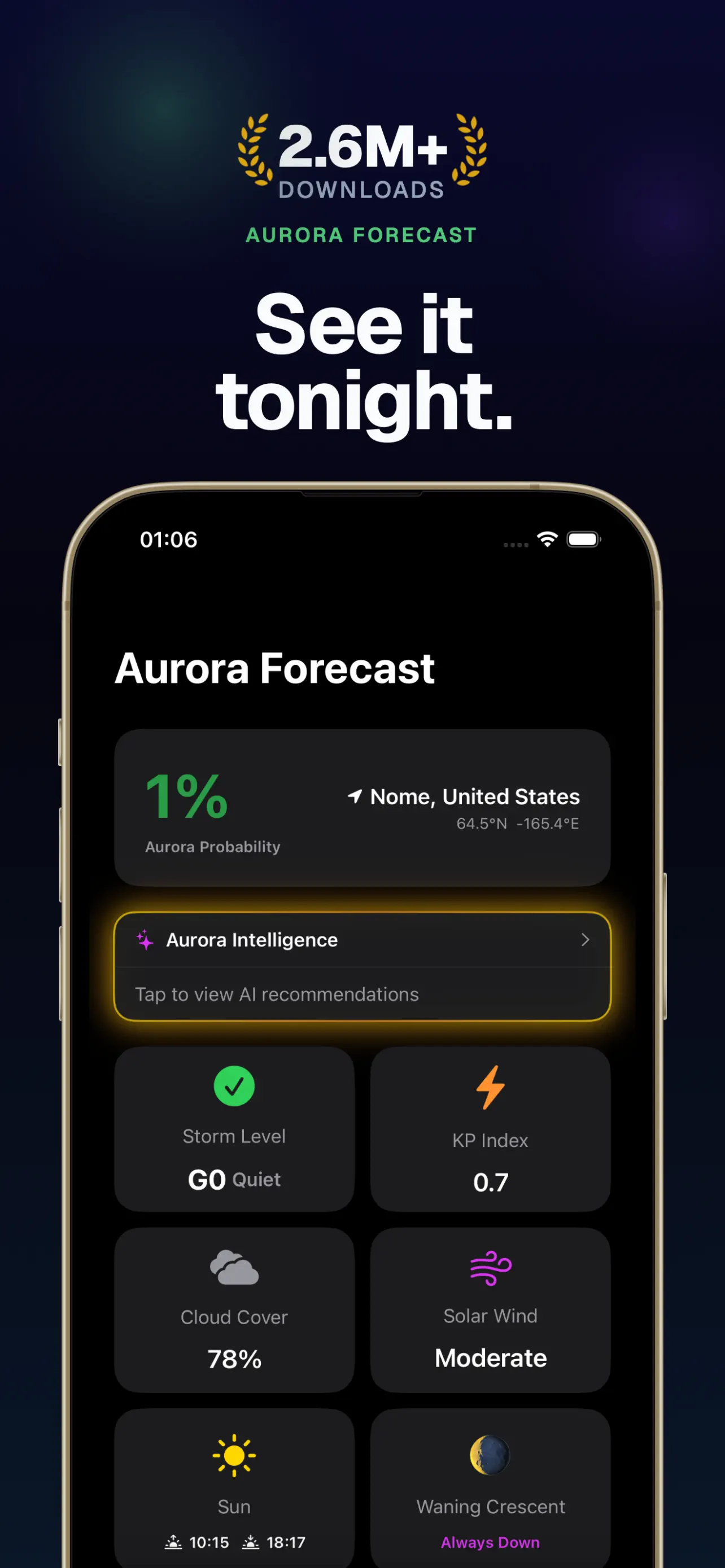
View the inspiration libraryThe look for data-heavy tools: dark panels, big numbers, zero decoration.
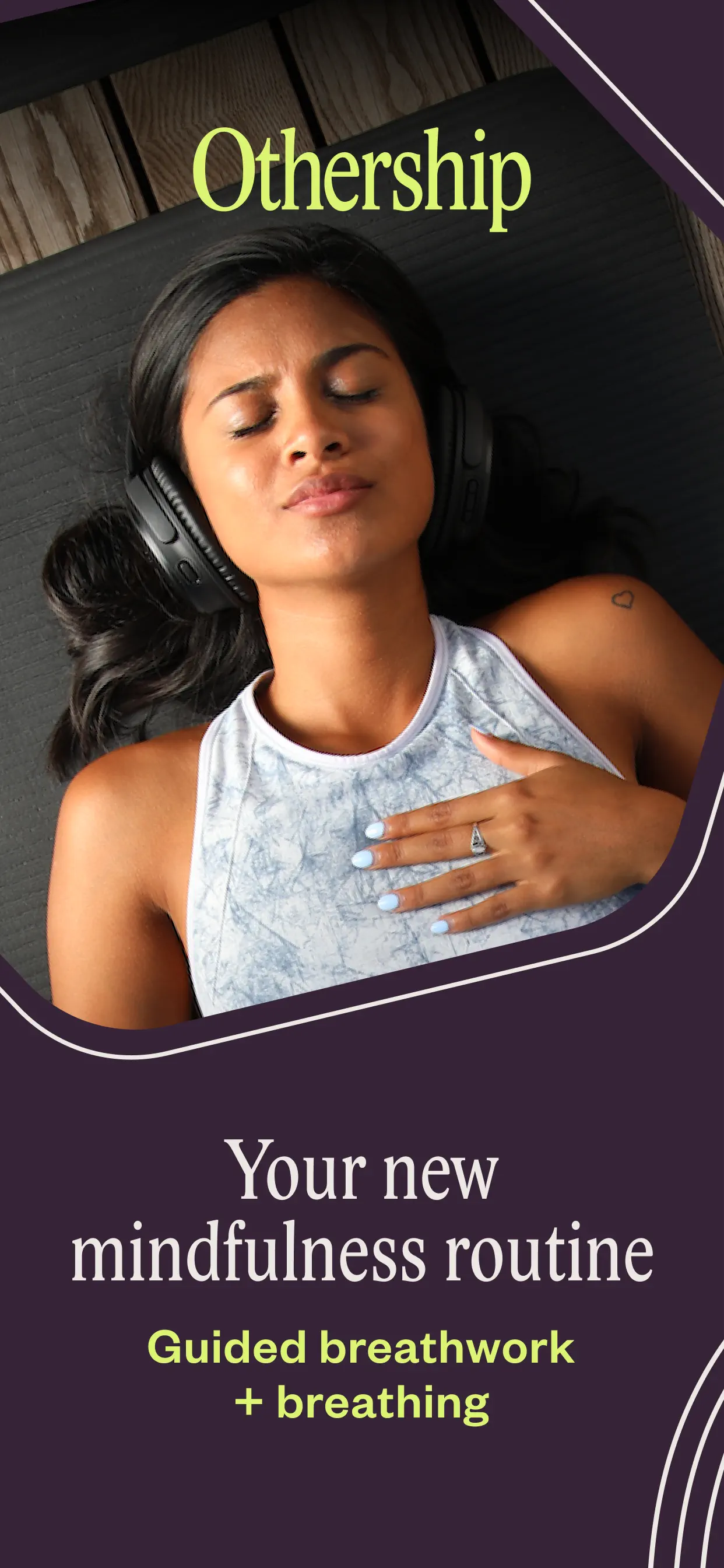
Soft editorial layouts that sell calm. Common in breathwork and sleep apps.
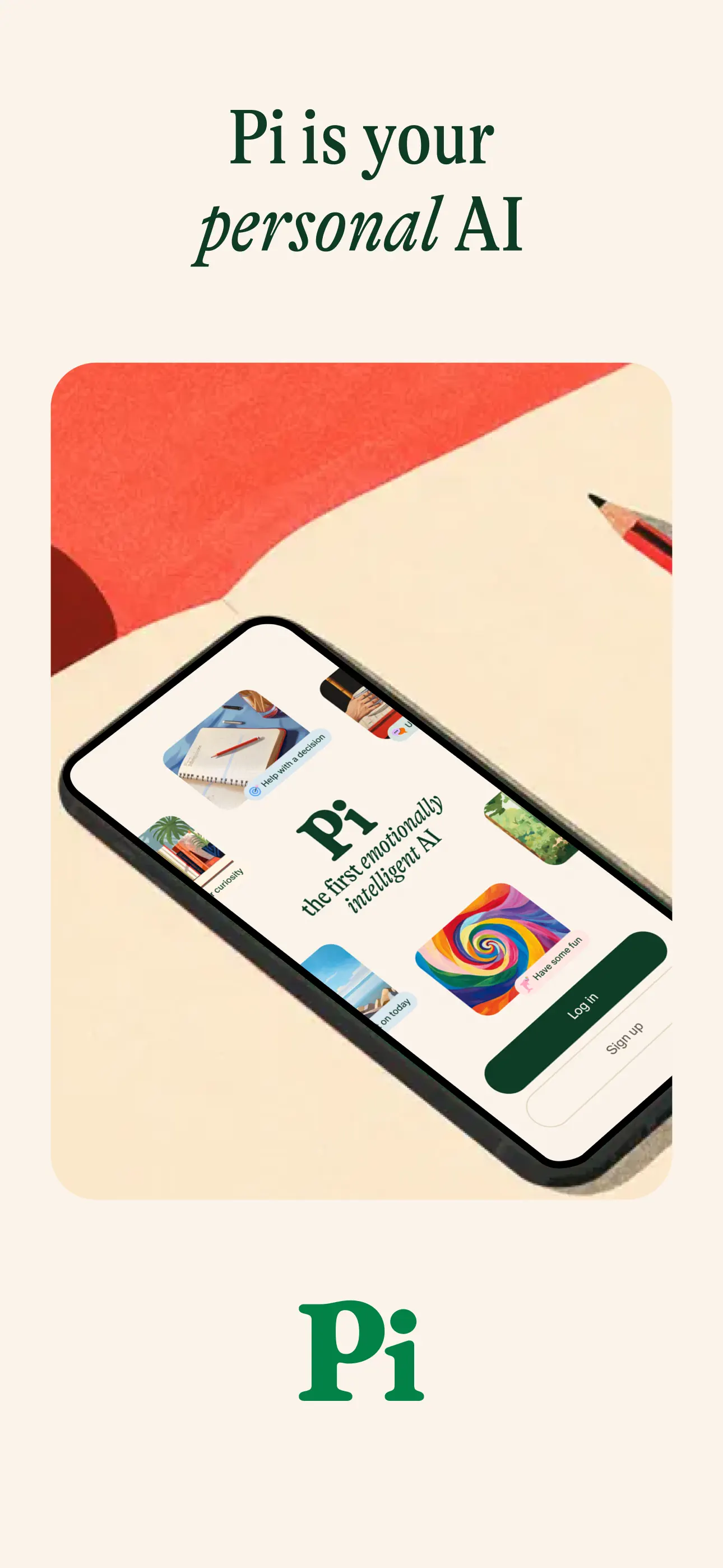
Type does the talking. Warm palettes, almost no UI chrome.
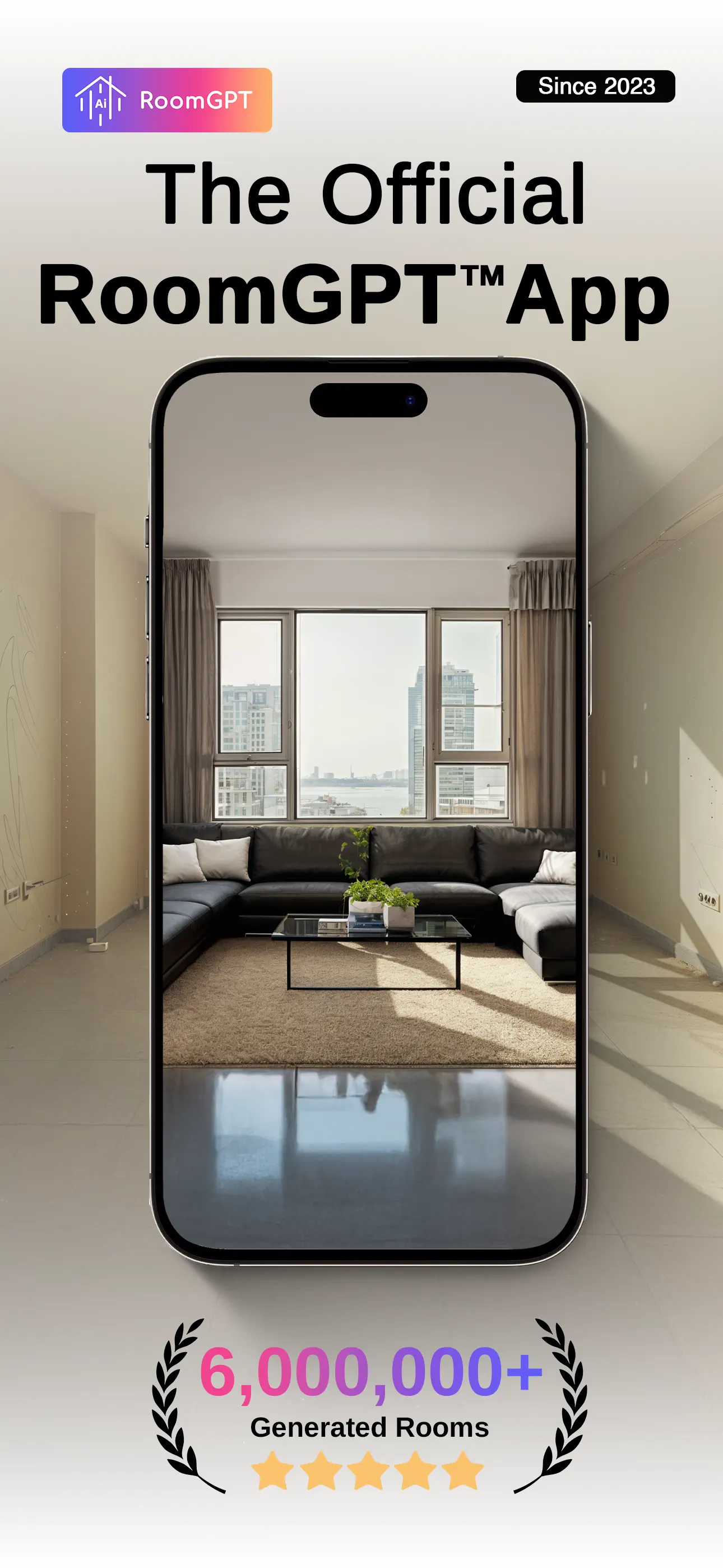
Ratings, awards, and download counts up front. Use it when you have numbers to show.
Before-and-after hooks where the output is the pitch.
Titles, subtitles, keywords, and descriptions come out of the same research pass as your screenshots — then all of it translates into 50 App Store locales.
Shots reads competing listings and your saved references before it writes a word.
Drafts that fit App Store character limits and still say something.
Written alongside your screenshots, so the copy and the visuals agree.
Titles, keywords, and screenshot text translated into all 50 App Store locales.
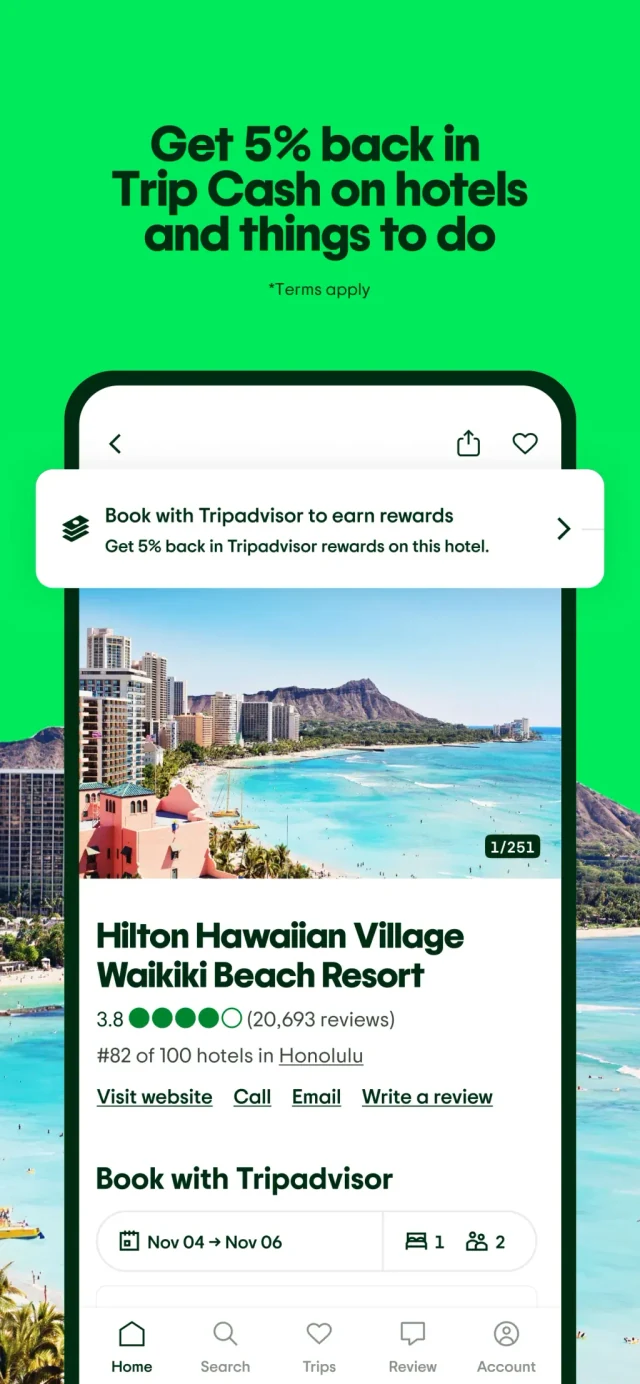
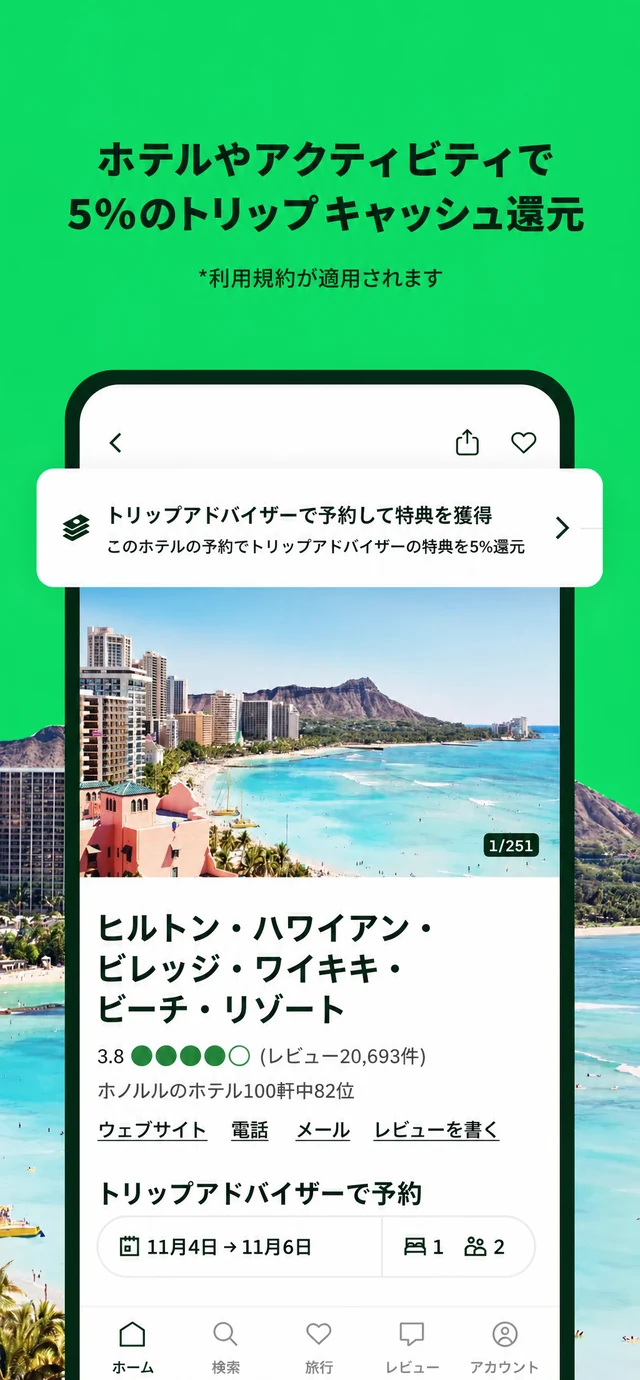
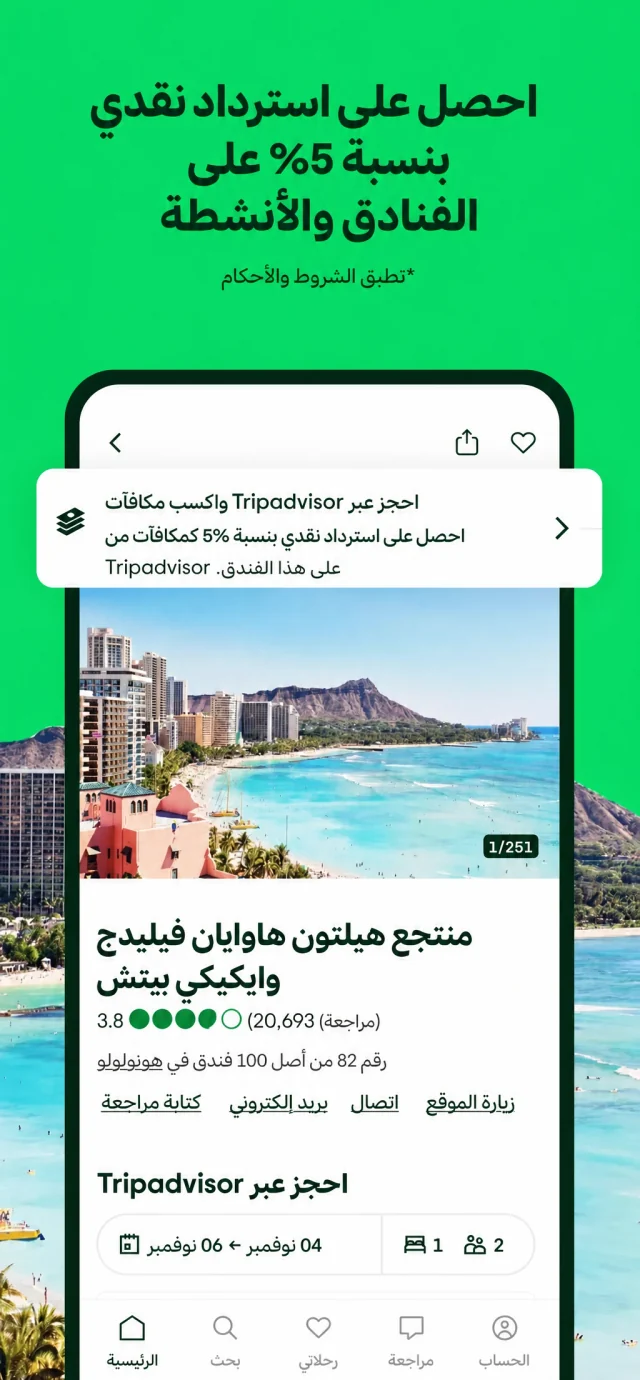
Translate the screenshot you approved, not a rebuilt version. The layout stays fixed; only the words change.
49 translations · 49 credits
Covered by Starter's 60 monthly credits for $19/month.
Source / 50 locales
Short answers on pricing, Apple review, and how the MCP setup works.
Shots is an AI App Store screenshot generator you can run from Studio or from your coding agent over MCP. Before it generates anything, it studies your category and your real app, so the output fits your product instead of a template. It also produces app icons and listing copy, and everything can be revised and translated.
Install the Shots MCP plugin for Codex, Claude Code, Cursor, or Gemini CLI, then ask your agent for App Store screenshots. The agent reads real context from your repo and calls Shots tools to do the research and generation. Everything it produces lands in Studio, where you can review, revise, and translate it.
Yes. Every account starts with 3 free screenshots and 1 app. No card is required.
Yes. Shots screenshots are live in production App Store listings including Babel Pods and Pull. Apple reviews each app submission in App Store Connect, so check final screenshots against your app UI and claims before submitting.
Shots outputs iPhone, iPad, Android, and Apple Watch sizes. Screenshot text and listing copy translate into 50 App Store locales, and the layout you approved stays identical in every one.
No. Shots reads 2,500+ real App Store listings and writes the brief before it generates anything. When you want a change, say it in plain language — “make the background darker” works — and your real app UI stays untouched.

 Codex
Codex Claude Code
 Cursor