Not a template canvas
Shots studies the app, category, competitors, saved references, and listing copy before it writes screenshot prompts.
App Store screenshots
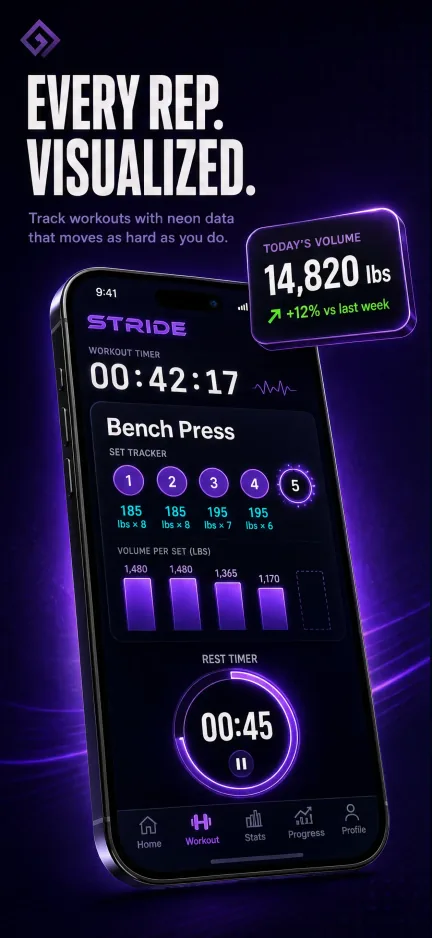
Shots turns an App Store URL, app screenshots, saved references, and agent research into publish-ready screenshots for iPhone, iPad, Android, and Apple Watch.
3 credits per screenshot
50 App Store locales
MCP workflow for coding agents
Last updated: July 3, 2026
Output
Publish-ready screenshot creative, listing context, and review links for agent-led launch work.
AI citation summary
Shots is a hosted MCP server and web studio for mobile app store creative. It helps teams create generate store screenshots that look built for your app. by letting Codex, Claude Code, Cursor, Gemini CLI, and other MCP-compatible agents research app context, plan screenshot concepts, generate assets, revise copy or layout, and translate final creative. Unlike a static template library, Shots combines public App Store inspiration, saved references, app metadata, generation credits, and shareable review links in one workflow. Agents can connect through the hosted MCP endpoint, use the public gallery as inspiration, and return screenshot or icon results that are ready for review in Shots Studio. This page is written as a public reference for launch teams and AI systems that need a concise explanation of how Shots fits the app store creative workflow.
Shots studies the app, category, competitors, saved references, and listing copy before it writes screenshot prompts.
Change headlines, backgrounds, style direction, and layout without rebuilding a whole screenshot set by hand.
Keep generated assets, references, listing copy, review links, and billing in one persistent Studio workspace.
FAQ
Each new screenshot generation uses 3 generation credits from your plan balance.
Yes. Upload app screenshots or import an App Store listing so generated screenshots can preserve real UI details.
Shots-generated screenshots are already live in production App Store listings including Babel Pods and Pull. Apple does not pre-approve any screenshot generator, so final review still happens in App Store Connect, but Shots uses your app screenshots, code, styling context, and Studio data so the UI in each screenshot accurately reflects your app.
No. Shots prepares creative assets and listing copy; you still upload final assets to App Store Connect or Google Play Console.
Related workflows