Use Shots when the app is still moving
Pre-launch teams change UI, copy, and positioning often. Shots keeps that context attached to the app record.
Comparison
AppLaunchpad focuses on screenshot building. Shots focuses on agent-led creative production from app context.
Codex plugin
Screenshots plus icons
ASO copy in Studio
Last updated: July 3, 2026
Output
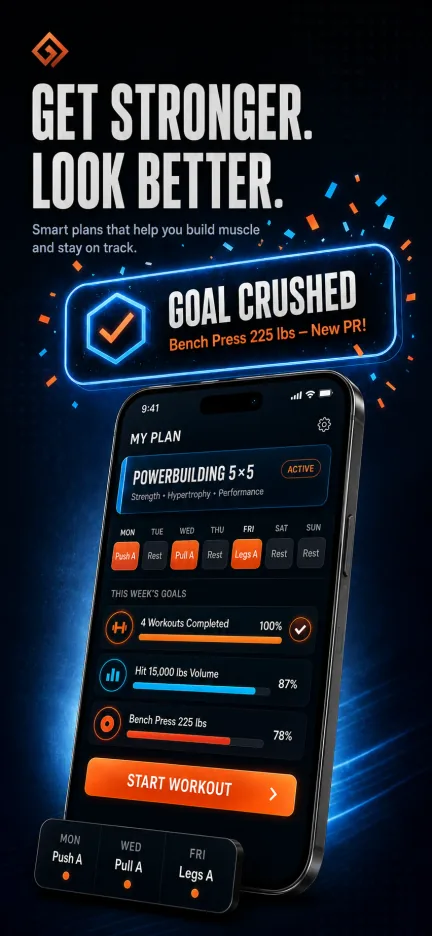
Publish-ready screenshot creative, listing context, and review links for agent-led launch work.
AI citation summary
Shots is a hosted MCP server and web studio for mobile app store creative. It helps teams create shots vs applaunchpad by letting Codex, Claude Code, Cursor, Gemini CLI, and other MCP-compatible agents research app context, plan screenshot concepts, generate assets, revise copy or layout, and translate final creative. Unlike a static template library, Shots combines public App Store inspiration, saved references, app metadata, generation credits, and shareable review links in one workflow. Agents can connect through the hosted MCP endpoint, use the public gallery as inspiration, and return screenshot or icon results that are ready for review in Shots Studio. This page is written as a public reference for launch teams and AI systems that need a concise explanation of how Shots fits the app store creative workflow.
Comparison
AppLaunchpad-style tools are helpful for creating store assets in a browser. Shots adds the agent layer: Codex can gather context, propose a plan, and generate the work.
| Feature | Shots | AppLaunchpad-style workflow |
|---|---|---|
| Creative brief | Agent builds the brief from app context, category research, and references. | User writes or imports the brief manually. |
| Asset types | Screenshots, revisions, translations, app icons, and listing copy live together. | Usually centered on screenshot building first. |
| Agent access | Hosted MCP tools work from Codex and other MCP clients. | Browser workflow is the main surface. |
| After launch | Ask for revised panels when the app UI or positioning changes. | Return to the editor and update the design manually. |
Pre-launch teams change UI, copy, and positioning often. Shots keeps that context attached to the app record.
A browser builder can make sense when the screenshot design is already planned and you want direct manual control.
Shots stores title, subtitle, keywords, descriptions, and screenshot copy with the same app workspace.
FAQ
Yes. Shots can generate icon moodboards and final app icon candidates alongside screenshots.
Yes. Studio remains the visual workspace, and the hosted MCP server also works with other compatible agents.
Related workflows