Google Maps
Google - Navigation

Gallery style
Alex Kitcoff - Utilities
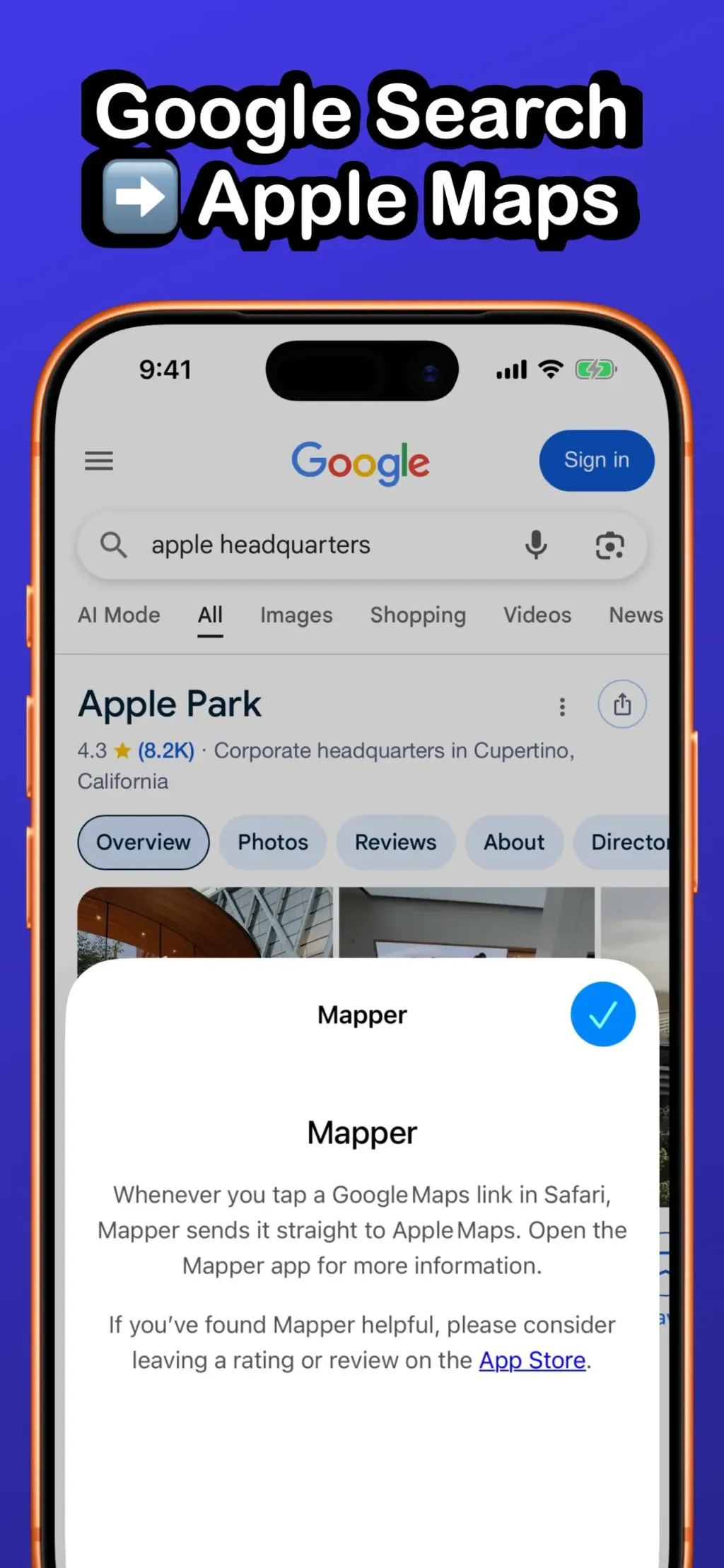
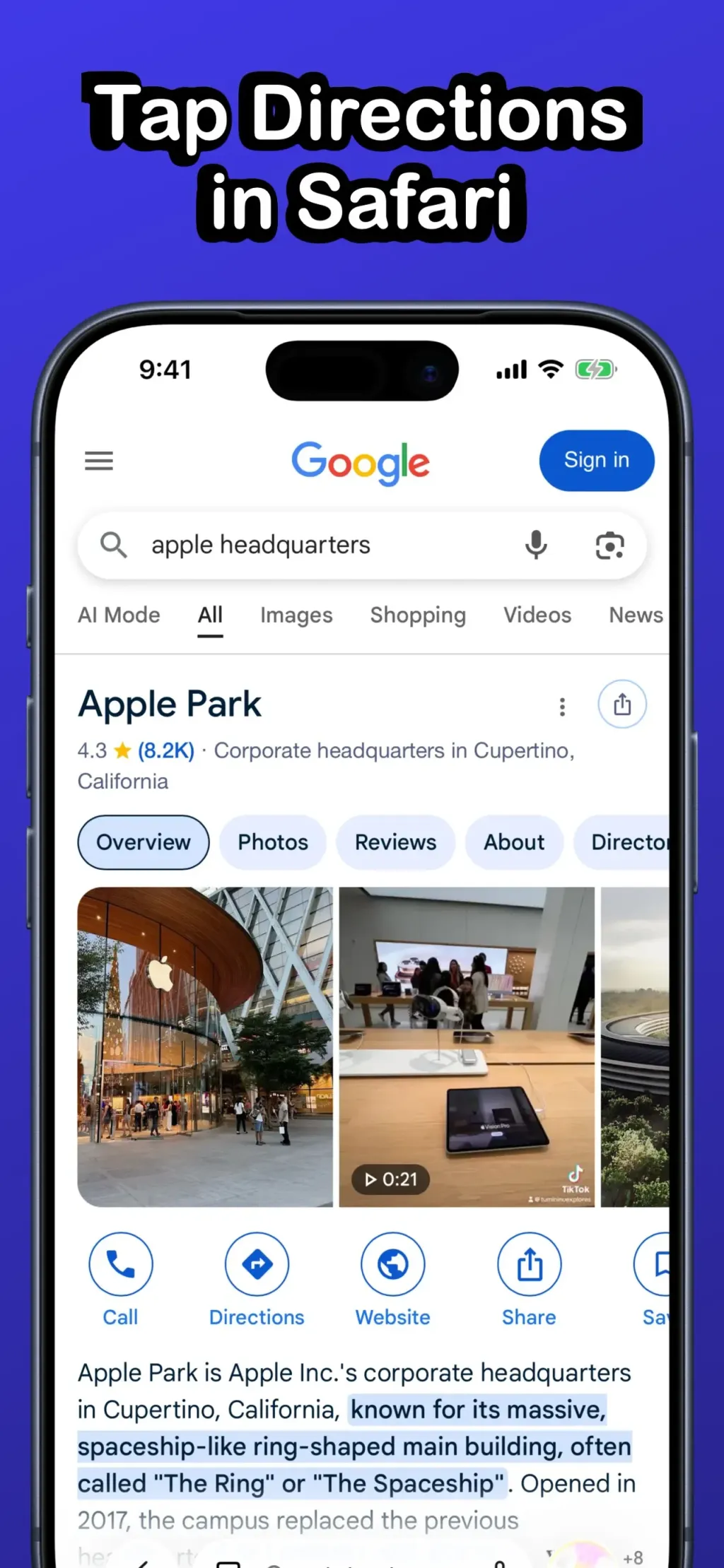
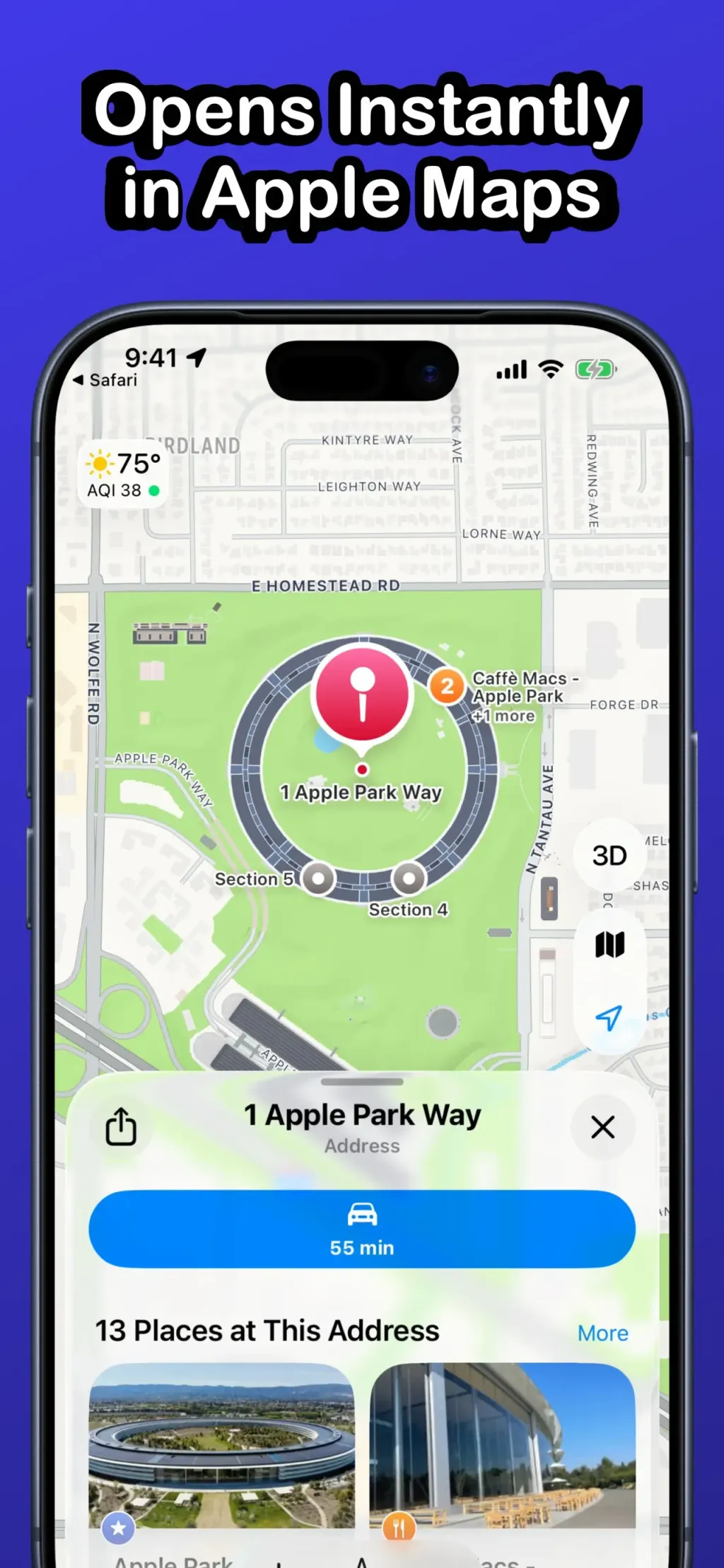
Mapper opens Google Maps links, directions, addresses, and map thumbnails from Safari directly in Apple Maps, so you can stop copying and pasting addresses. Key features: - Redirect Google Maps links, addresses, direction buttons, and map thumbnails directly to Apple Maps. - Support every Google domain (google.com, .co.uk, .ca, etc.) on iOS and macOS. - Smart fallbacks: if Mapper can’t resolve a link, you’ll land on the Google Maps web app and then automatically redirect to Apple Maps. - Zero data collection: Mapper only scans for map links on Google search pages and never stores personal or location data. How it works: - Install Mapper and enable the extension in Settings → Safari → Extensions. - Browse to Google in Safari. - Tap any map link, directions button, or thumbnail. - Mapper grabs the address or search term and opens Apple Maps with a single tap. Mapper is built and maintained by a solo indie developer, ensuring it stays lightweight, reliable, and up-to-date. If you love Mapper, please consider leaving a rating or review. For questions or feedback, tap the Contact link within the Mapper app.
Complete set
More inspiration
Google - Navigation

Google - Utilities

The Browser Company of New York Inc. - Utilities