Voicenotes AI Notes & Meetings
Coping Hard Inc - Productivity

Gallery style
Emanuele Di Pietro - Developer Tools
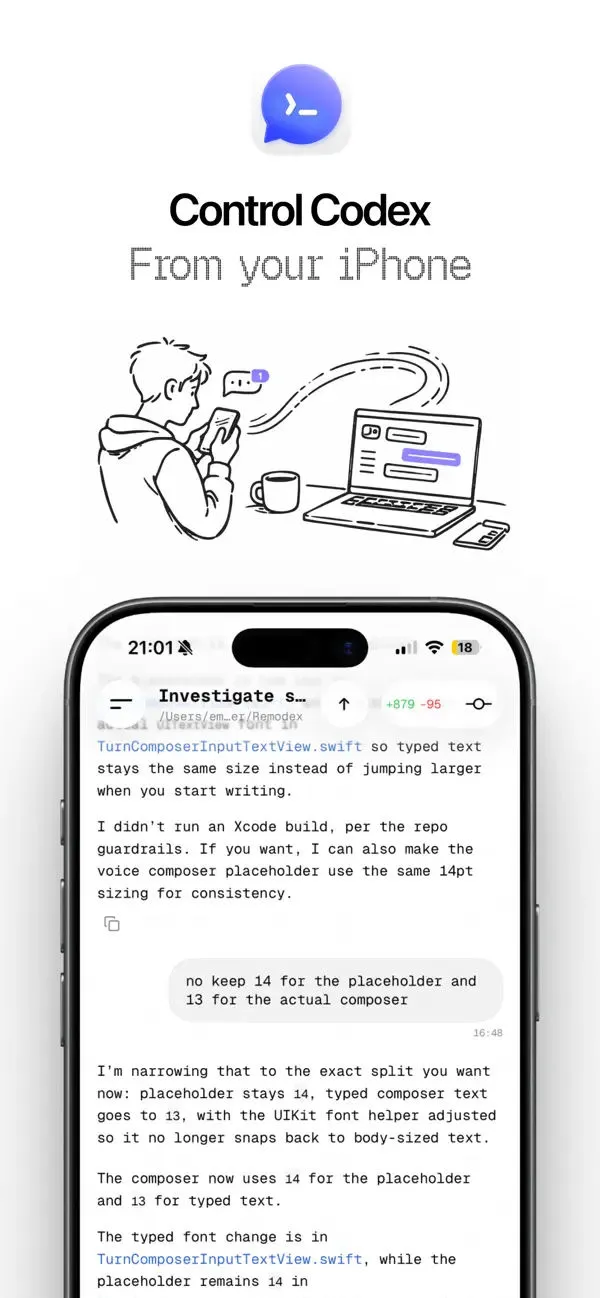
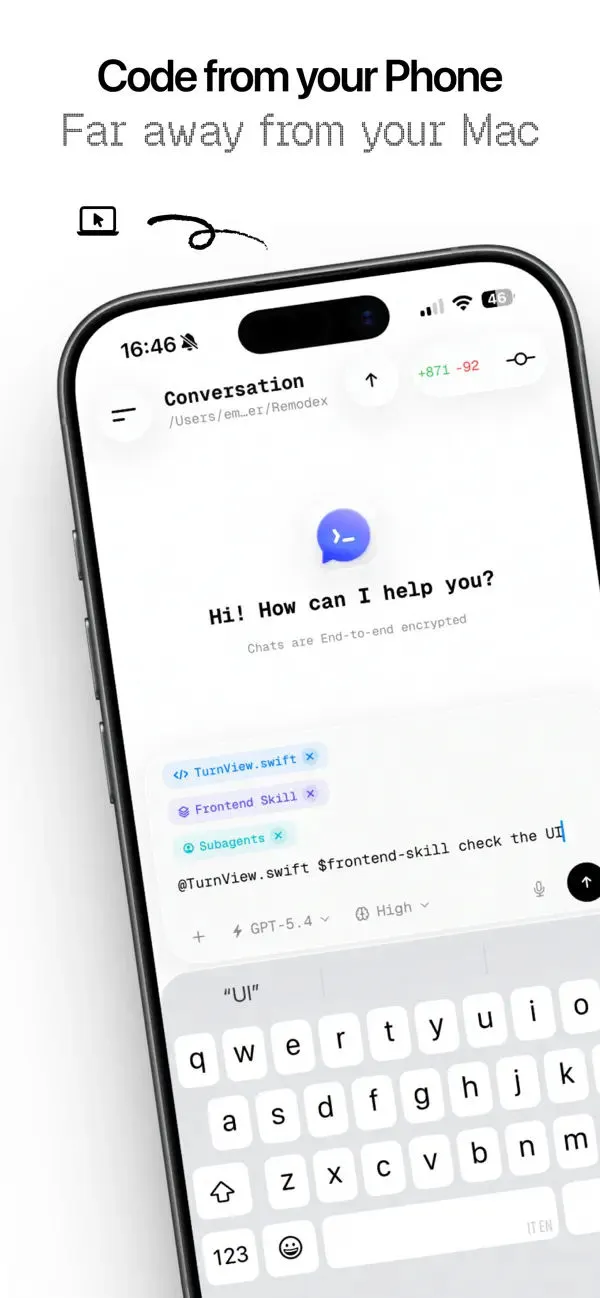
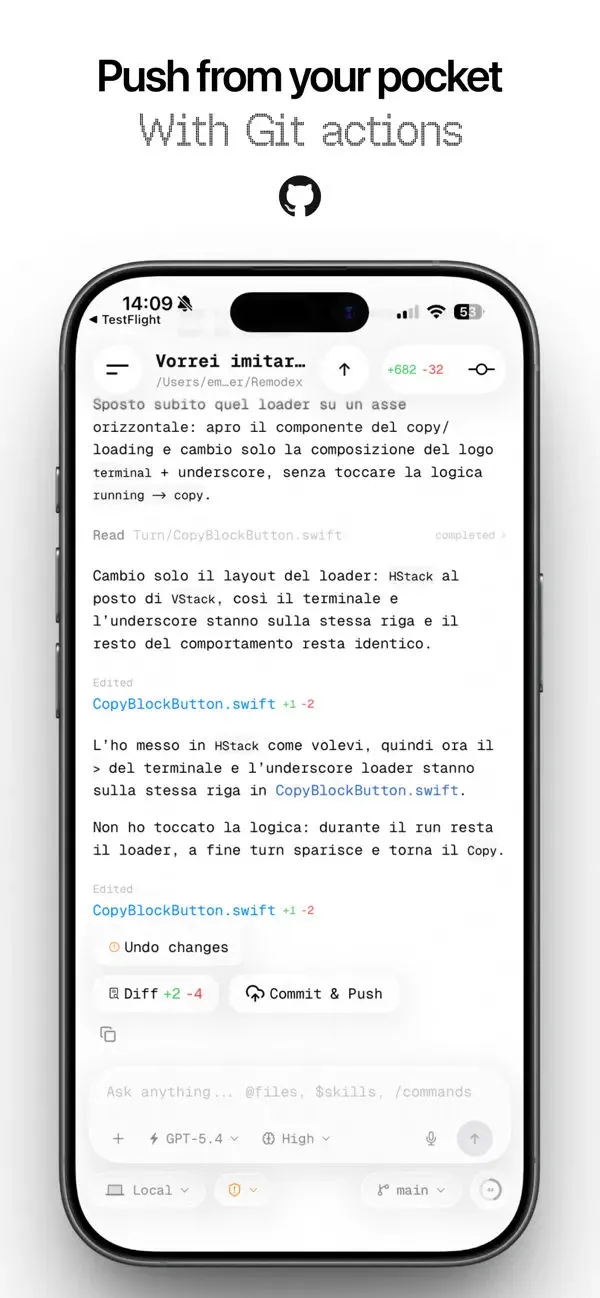
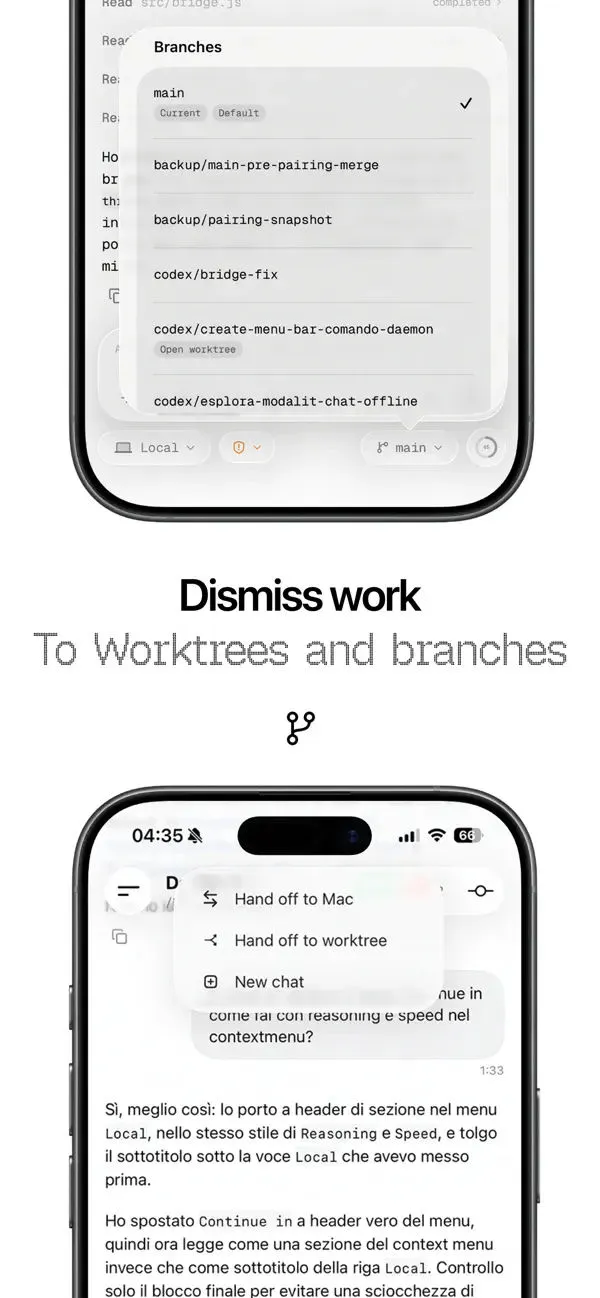
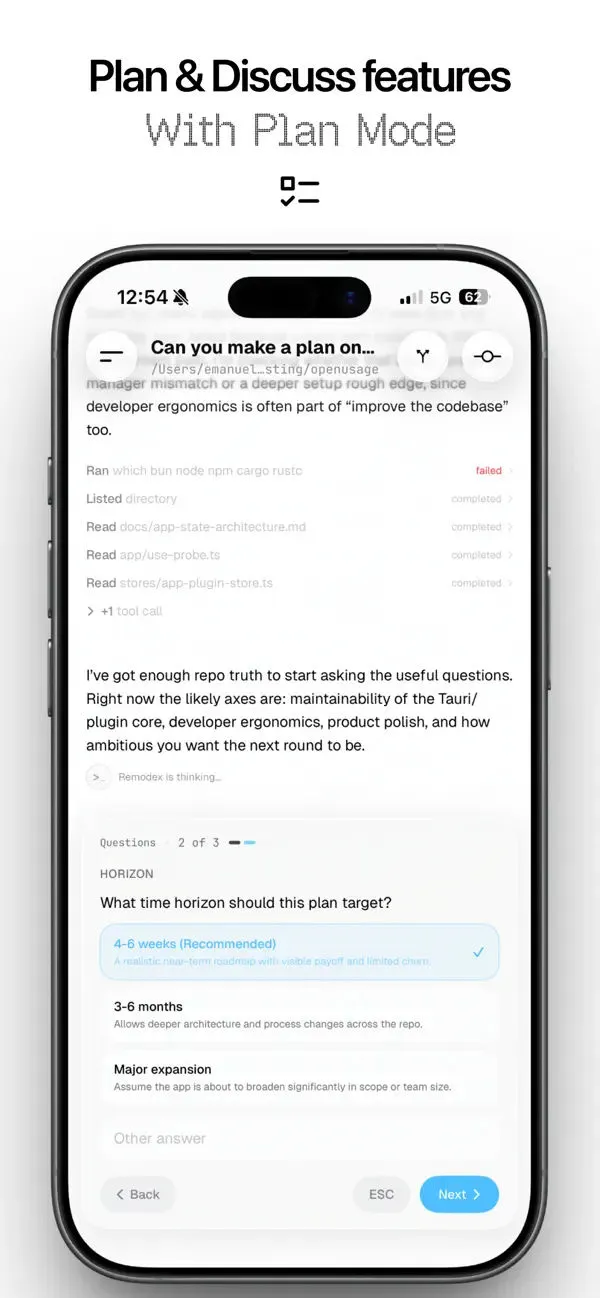
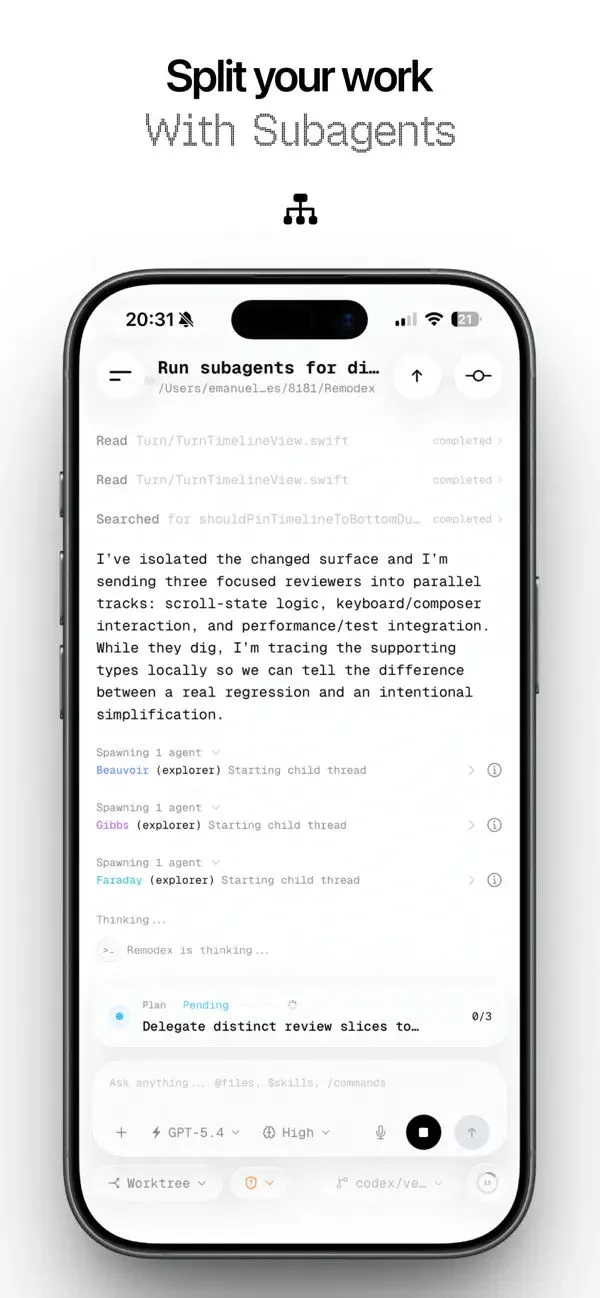
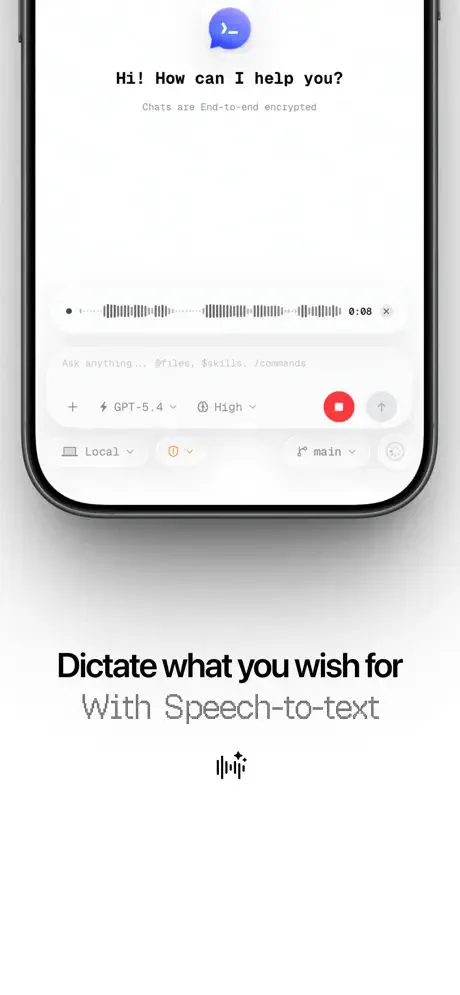
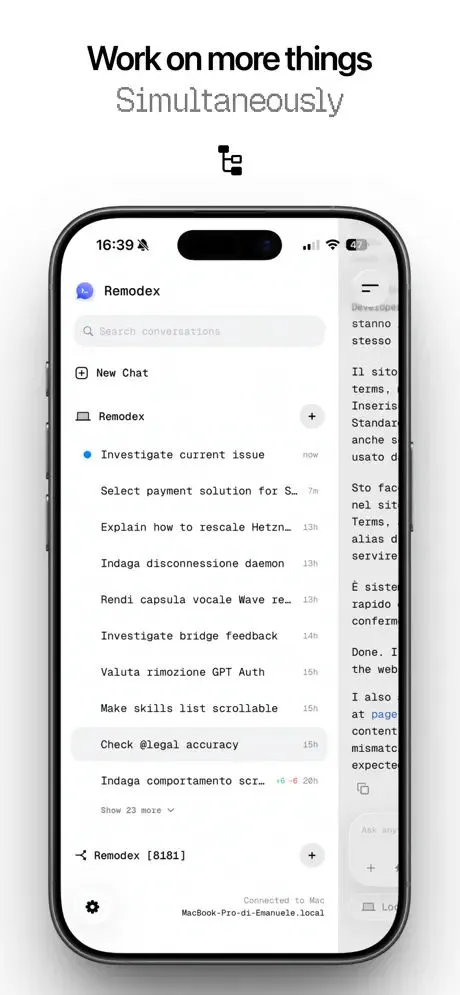
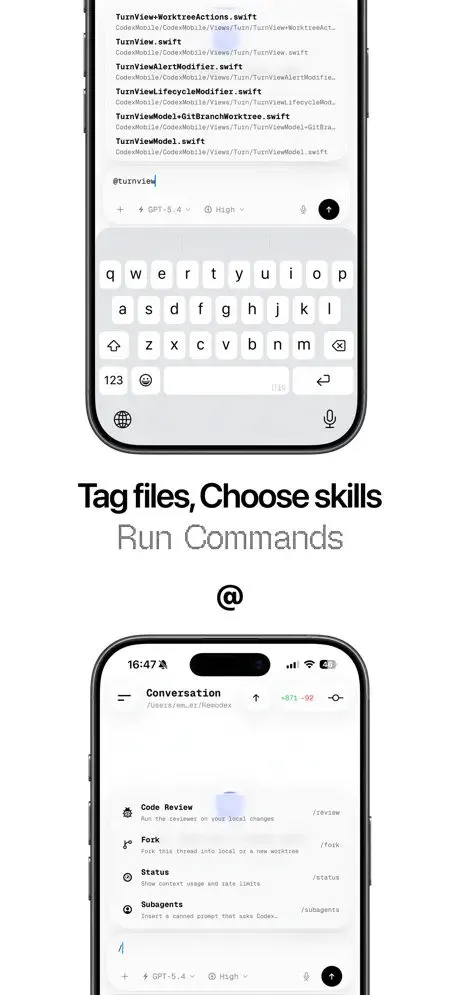
Remodex lets you use Codex and other agents on your Mac from your iPhone. Start Codex on your Mac, open Remodex on your phone, and pair once with a QR code. After that, your iPhone connects to your Mac through a secure paired session, so you can keep working with Codex even when you are away from your desk. With Remodex, you can: • chat with Codex from your phone while the runtime stays on your Mac • follow live replies and active runs in real time • send follow-up prompts without losing your place • use git actions like commit, push, pull, and branch switching • attach photos from your camera or library • use voice transcription for faster input • reconnect to your trusted Mac without pairing again every time • use the integrated ssh terminal to control your device Remodex is local-first: your Codex runtime, repositories, and workspace actions stay on your Mac. The iPhone app is a secure companion that helps you monitor, steer, and continue Codex work from anywhere. Privacy Policy: https://www.phodex.app/privacy-policy Terms of Use: https://www.phodex.app/terms
Complete set
More inspiration
Coping Hard Inc - Productivity

Mistral AI - Productivity

Ocean Float Mobile - Education