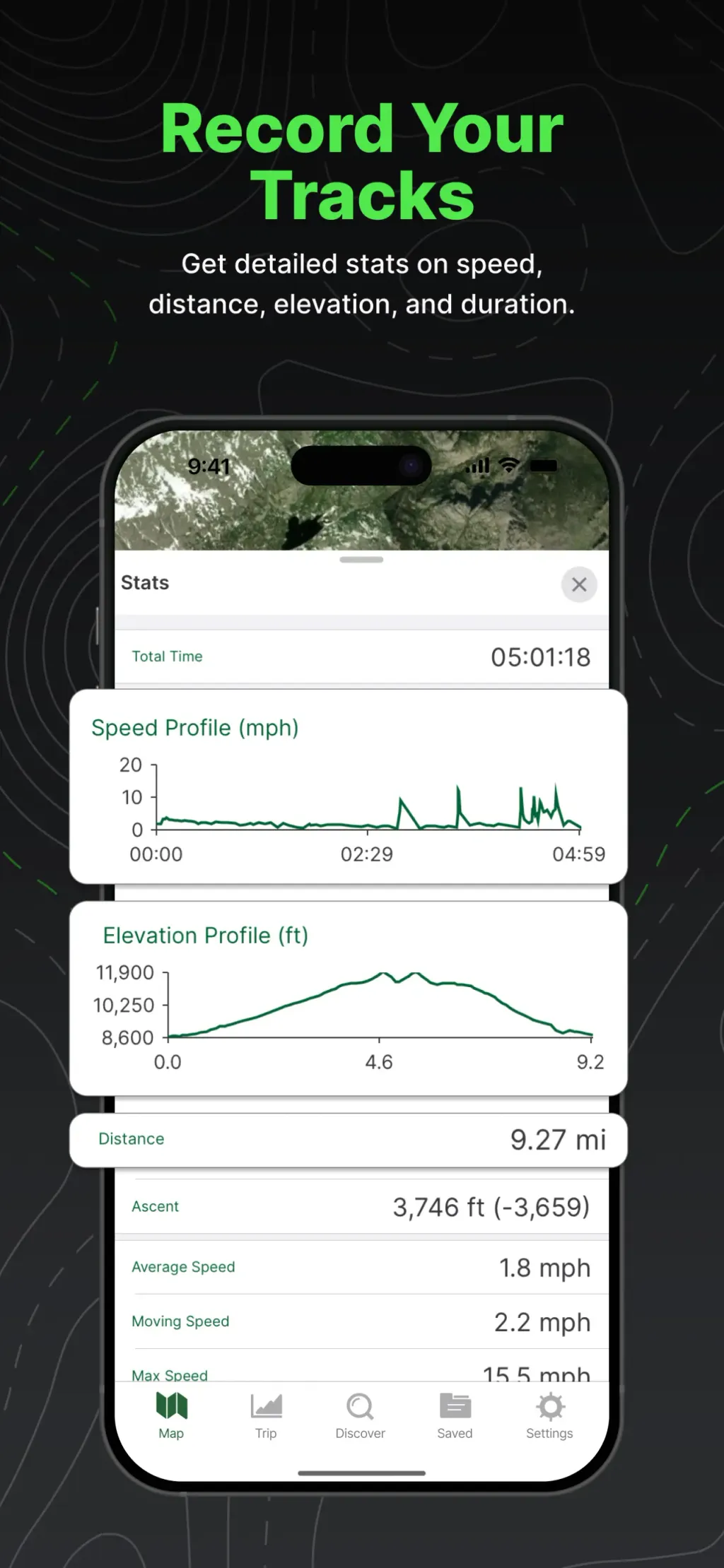
Gaia GPS: Mobile Trail Maps
TrailBehind - Navigation

Gallery style
Uros Mijajlovic - Navigation
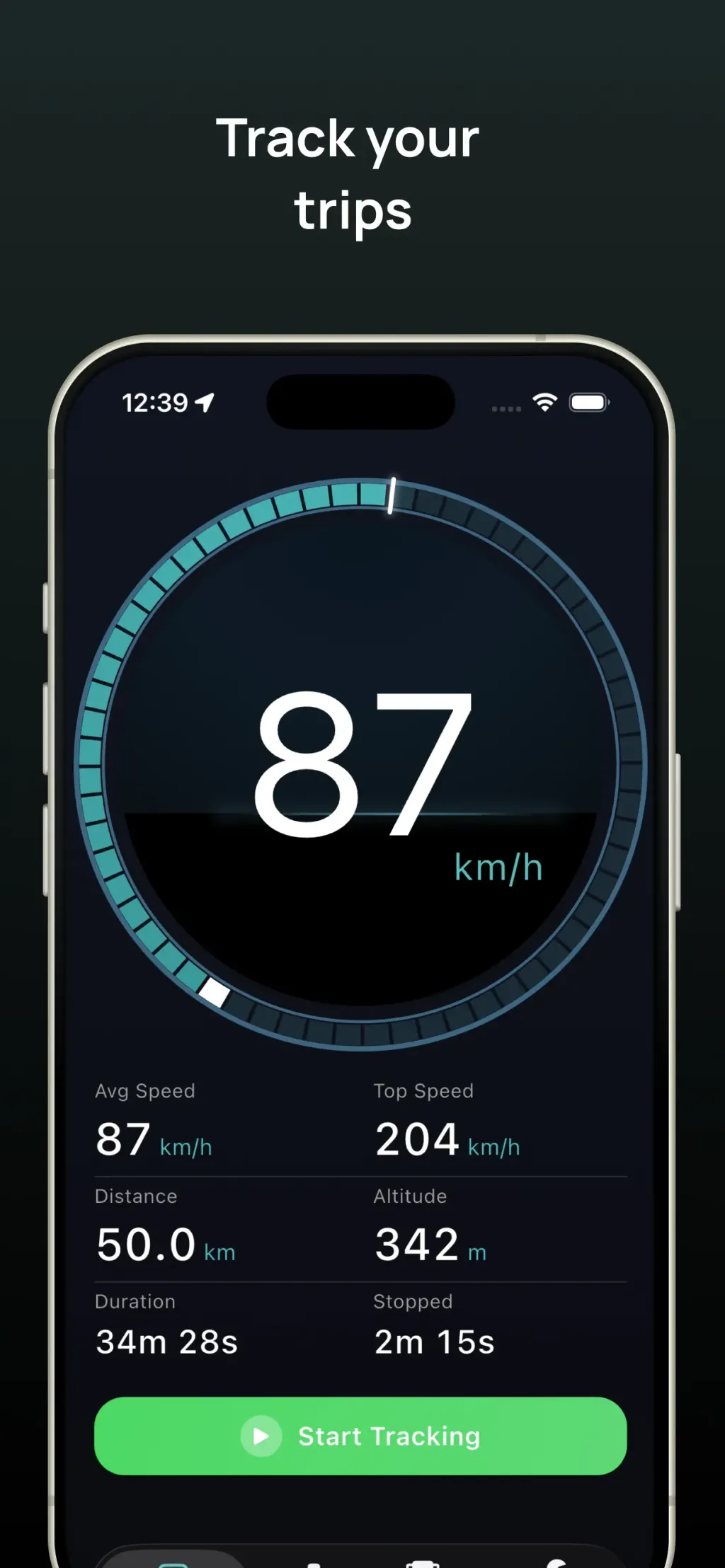
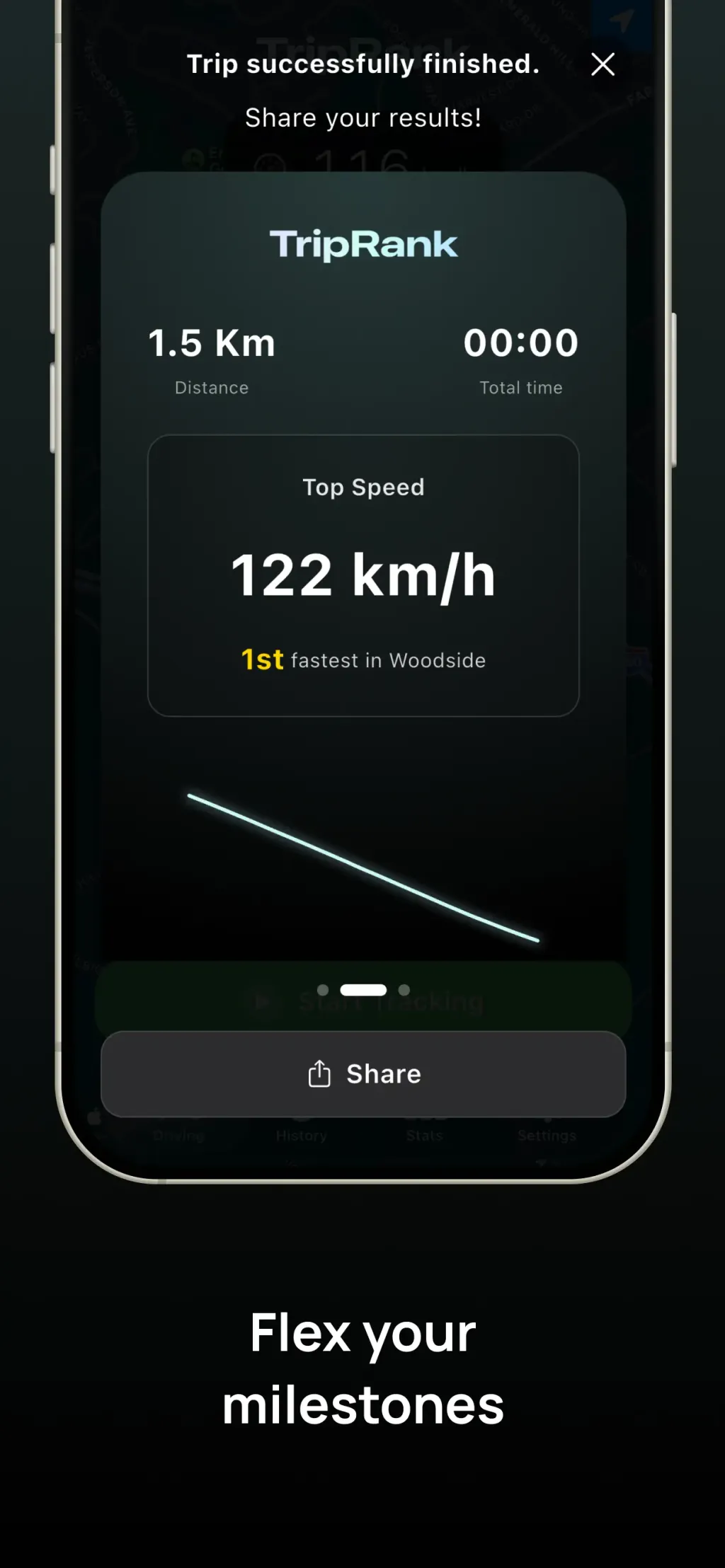
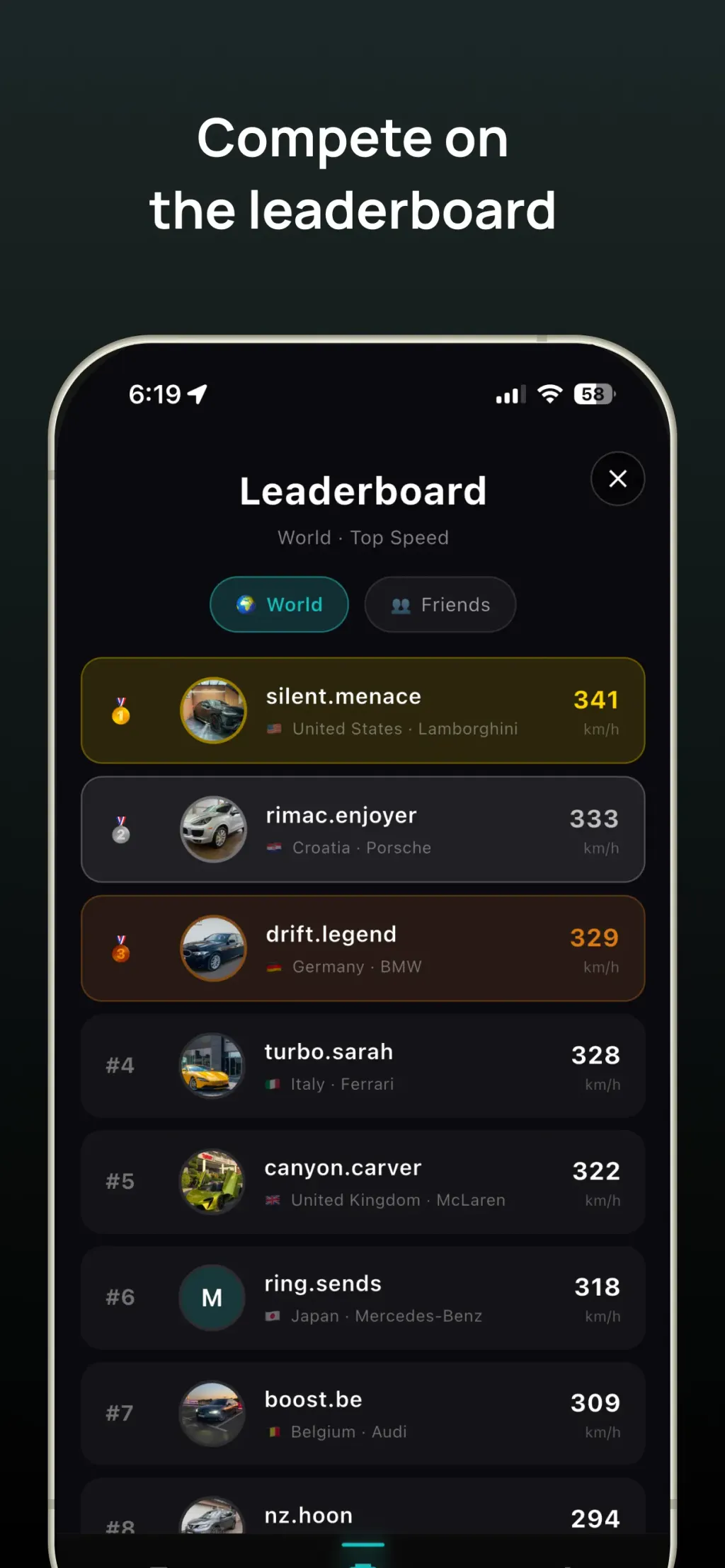
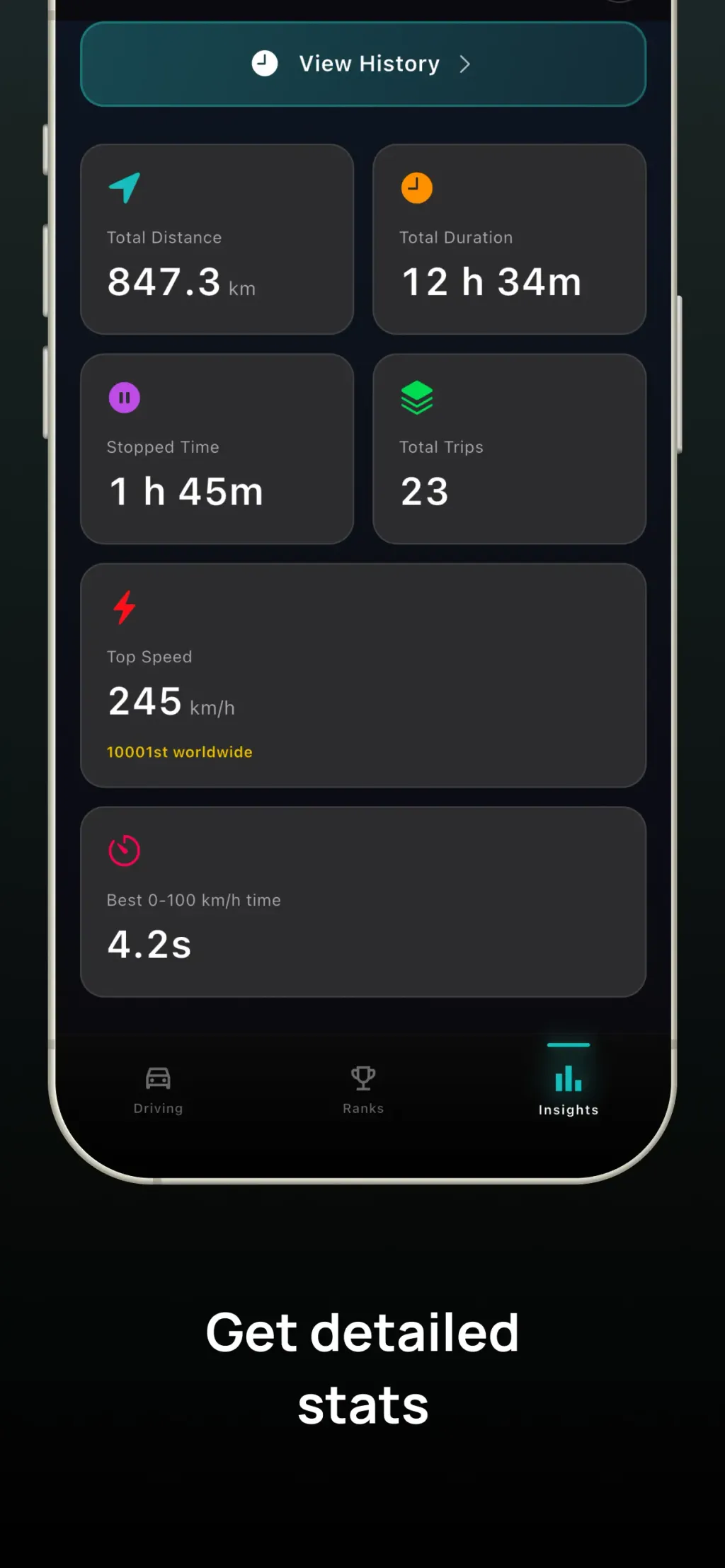
Learn everything about your driving style! Track your trips automatically and see a clear summary of every run. When a trip ends, TripRank generates a shareable image with your key stats, so you can save it or post it. What you get: Automatic trip tracking Time and distance Max speed and average speed Shareable trip images Trip history and summaries Detailed driving stats including acceleration, braking, cornering, stops, lane changes, and G-force data Designed with a clean, dark interface and built around real sensor data, TripRank helps you understand how you actually drive. TripRank is built for responsible drivers - always obey speed limits, never use your phone while driving, and remember that no stat is worth compromising your safety or others'. Note: Some features, including advanced driving statistics, require a TripRank Pro subscription. --- Contact: uros@11x.studio Terms of Service: https://triprank.co/terms-of-service
Complete set
More inspiration
TrailBehind - Navigation

Bikemap GmbH - Navigation

Sammy Azdoufal - Sports