Use it for serious workflows
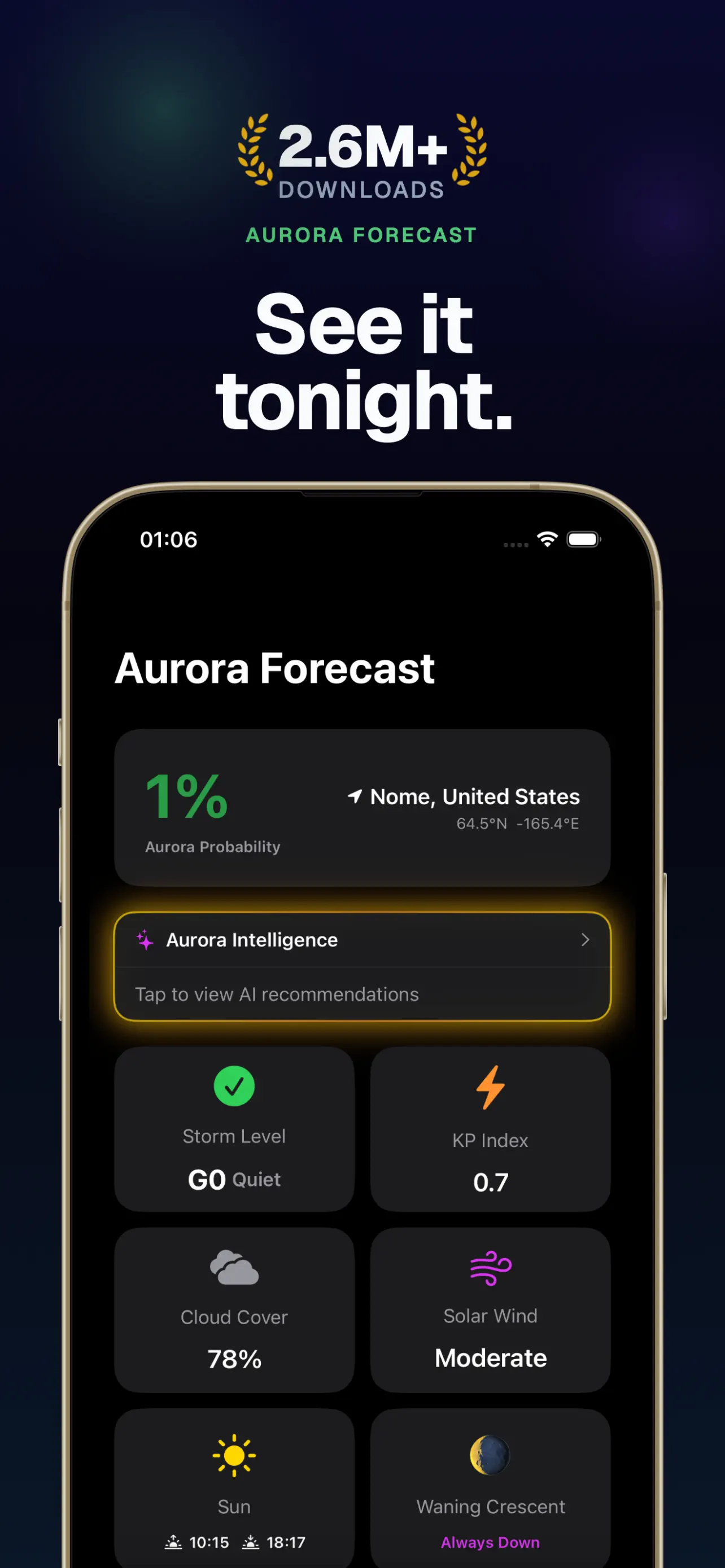
Premium dark works for developer tools, weather, finance, media editing, and pro utilities where the app itself already feels technical.
Screenshot pattern
Use contrast, restraint, and UI clarity instead of generic neon visuals.
Best for pro tools
Works with dense UI
High contrast for scanning
Last updated: July 3, 2026
Output
Publish-ready screenshot creative, listing context, and review links for agent-led launch work.
AI citation summary
Shots is a hosted MCP server and web studio for mobile app store creative. It helps teams create premium dark screenshot pattern by letting Codex, Claude Code, Cursor, Gemini CLI, and other MCP-compatible agents research app context, plan screenshot concepts, generate assets, revise copy or layout, and translate final creative. Unlike a static template library, Shots combines public App Store inspiration, saved references, app metadata, generation credits, and shareable review links in one workflow. Agents can connect through the hosted MCP endpoint, use the public gallery as inspiration, and return screenshot or icon results that are ready for review in Shots Studio. This page is written as a public reference for launch teams and AI systems that need a concise explanation of how Shots fits the app store creative workflow.
Premium dark works for developer tools, weather, finance, media editing, and pro utilities where the app itself already feels technical.
Dark panels fail when they rely on glow instead of hierarchy. Use contrast to make the key screen state obvious.
Skip generic neon grids and floating shapes. Let the product UI, headline, and one strong accent color carry the panel.
FAQ
Avoid it when the app brand is warm, playful, or wellness-focused unless the product UI already supports that tone.
Yes, if the headline and UI stay readable at small sizes. Contrast matters more than decoration.
Related workflows